
AI-Powered
Visual Design Mastery.
Train in a Studio Environment.
Build Multi-Disciplinary Design Skills.
Master Graphic Design + UI Design + Video Editing + Motion Graphics with studio-style training at Vinci Studio
Campus: Web D School, Chennai | Online: Available across India
Classes
Available
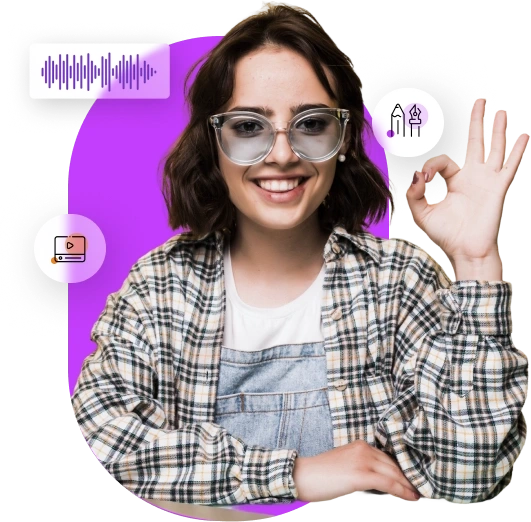
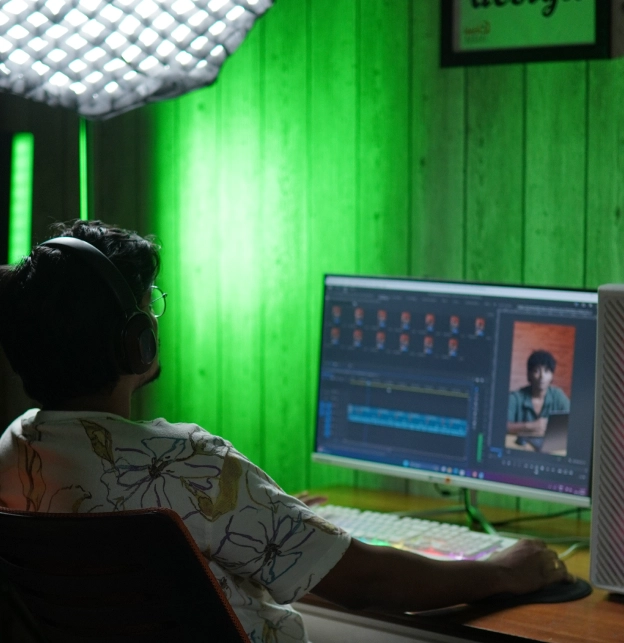
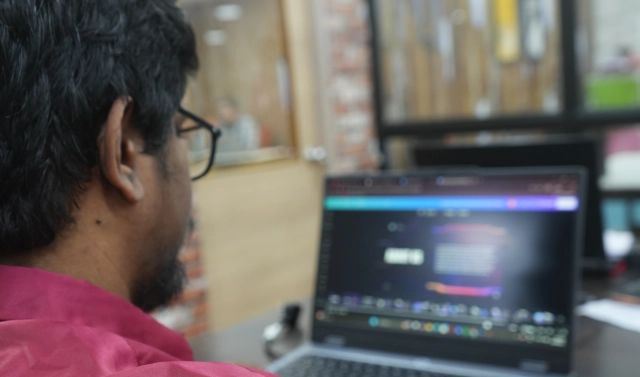
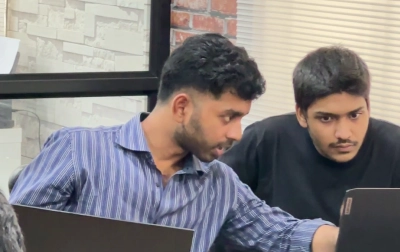
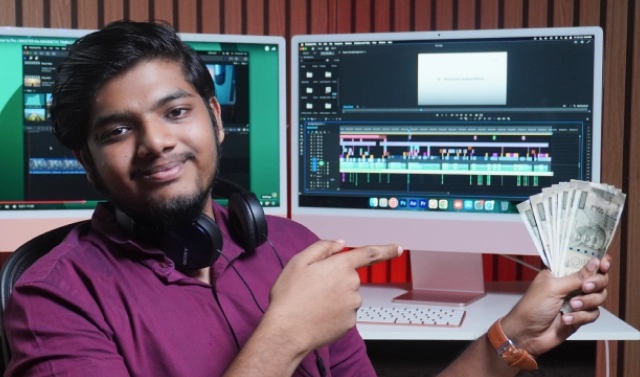
You won’t just learn design tools in a classroom. From Day 1, you train inside Vinci Studio.
Vinci Studio is MaxEdge’s internal studio-style training environment, where every project is reviewed using real professional standards — just like a real agency.
- Work on studio-style briefs across multiple design disciplines
- Get professional feedback on execution and strategic thinking
- Learn the BRIDGE framework to explain creative decisions systematically
- Build a multi-disciplinary portfolio that shows versatility
The Result
In interviews, you demonstrate range + depth that single-skill designers simply can’t match.
Our Placements
Our students got placed at reputed companies

Uma Nageswaran
Graphic Designer


Evangelin Devathas
Motion Graphic Artist

Karthikeyan
Graphic Designer

Akash Kumar
Video Editor


Krithya
Graphic Designer


Vignesh
Creative Lead


Ramesh
Graphic Designer


Boopathy
Product Designer
Why Visual Design Mastery?
Today’s creative industry no longer hires single-skill designers. Employers look for professionals who can handle static design, interactive design, video storytelling, and motion graphics — all in one role.
One designer who can do all four → Four specialists in separate roles
This program is designed to make you industry-ready by training you across the complete visual communication spectrum, opening multiple career paths with a single, future-proof skill set.
One Program. Multiple Career Paths.
With this all-in-one program, you don’t just learn tools — you become a versatile designer ready for agencies, startups, in-house teams, and freelance opportunities.
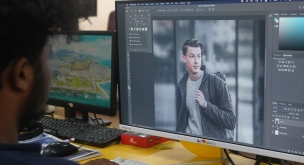
Graphic Design
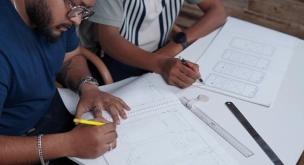
UI Design
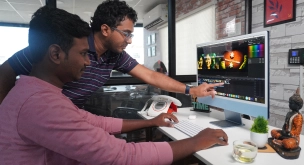
Video Editing
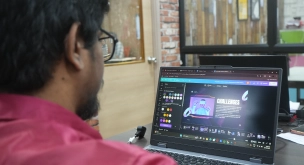
Motion Graphics
Program Overview
Duration
7 Months
Sessions
90 Sessions (90 mins each)
Mode
Campus (Chennai) or Online
Schedule
Alternate days + Weekend options
Studio Access
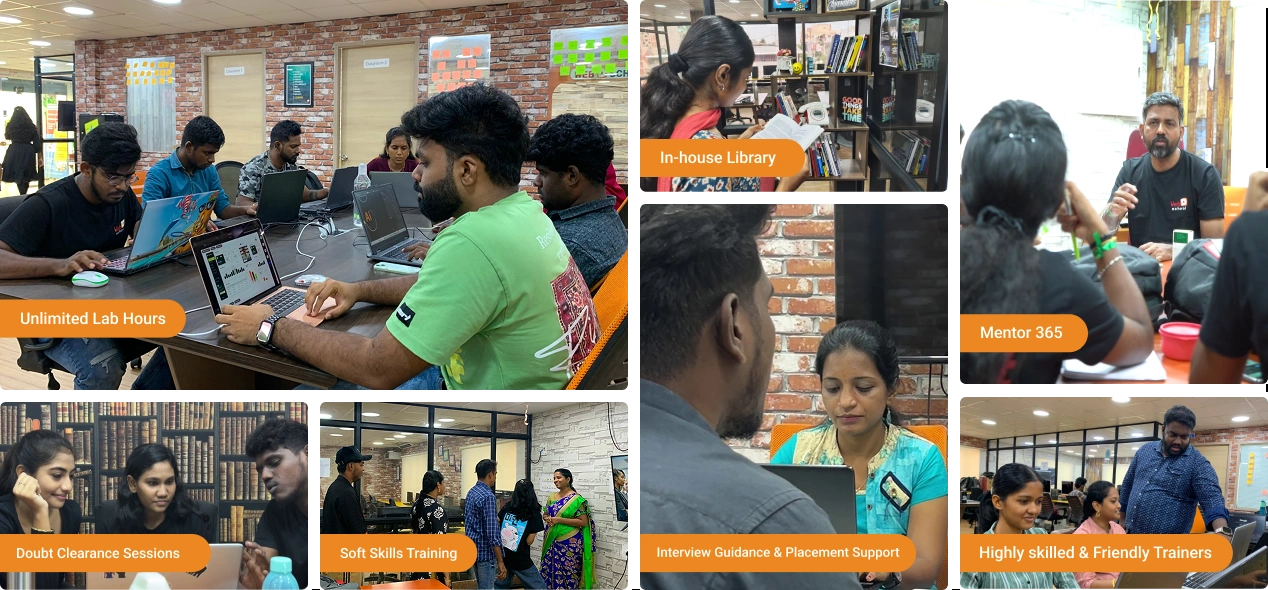
Unlimited lab hours for campus students
Tools Covered
Master industry-standard tools that power professional design, development, and marketing workflows.
-
Adobe Photoshop
-
Adobe Illustrator
-
Adobe Indesign
-

Adobe Lightroom
-
Adobe Firefly
-
Canva
-
Midjourney
-
Figma
-
Sketch
-
Framer
-
Spline
-
Dora
-
Adobe Aero
-

ChatGPT
-
Adobe Premiere
-
After Effects
-

Character Animation
-
Runway ML
Visual Design Mastery Projects
We have SOAP - Student Output Assessment Plan (projects on steroids). It offers hands-on assessments to help freshers bridge the experience gap and build a stunning portfolio.
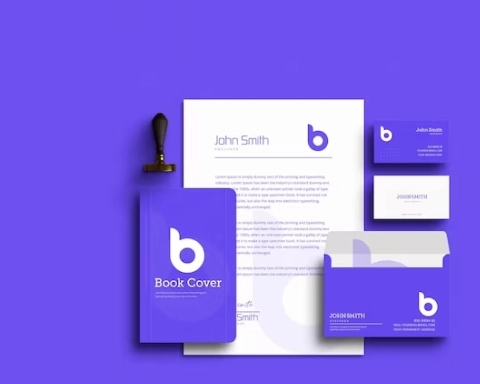
Branding
Learn how to create a strong, positive perception of a company.
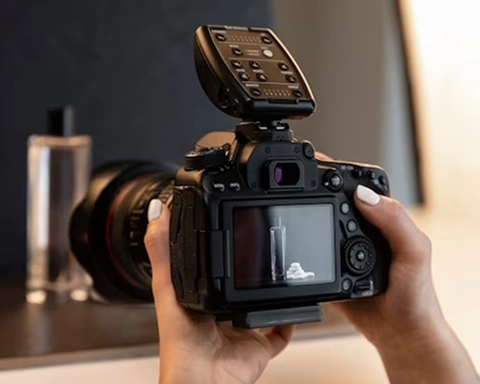
Product Photography
We provide the equipment required to shoot and edit your product commercial.
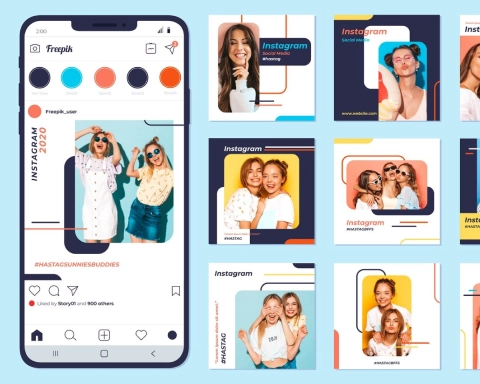
Social Media Ads
Learn how to create ads for various social media platforms in various ratios.

Photomanipulation
Learn to combine multiple images for advertising, fantasy art, and digital storytelling.
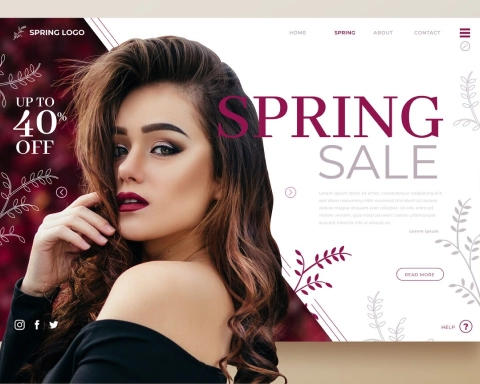
Ad/Movie Poster
Learn how to create stunning movie posters for popular movies using your creativity and style.

Product Ads- AI
Learn to shoot pictures with a product & create an advertisement using designing & AI tools.
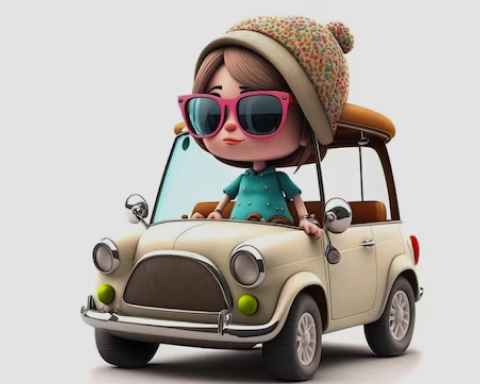
3D Illustrations
A 3D illustration is one of the biggest design trends that must be added to your portfolio.
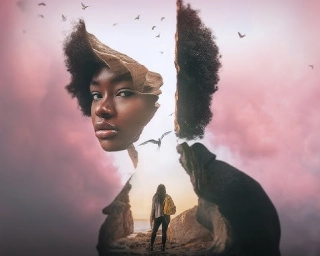
Dual Exposure
Learn the technique to blend two images to create a single, artistic composition to convey a message.
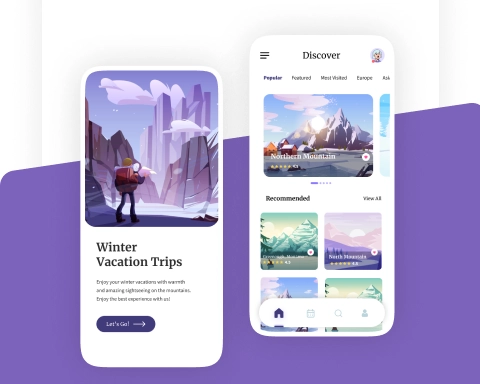
Travel & Navigation
Craft experiences by mastering Travel & Navigation apps that are user-friendly and attractive.
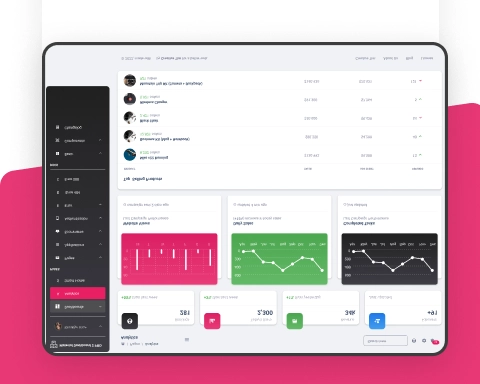
Productivity CRMs
Forget confused notes & disorganized spreadsheets & discover how to use Productive CRMs.
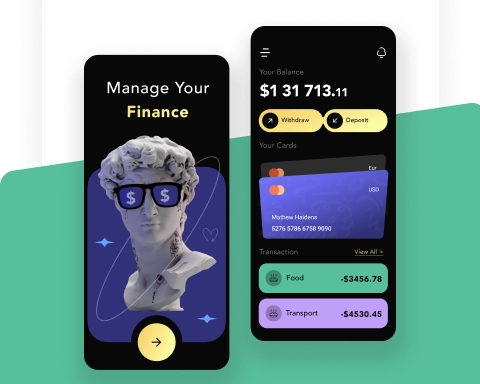
Finance
Learn how to create Financial transactions, budgeting, and investment management apps.
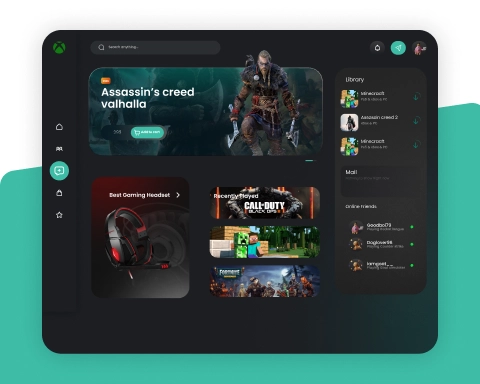
Gaming
Learn how to develop your inner genius by creating compelling and eye-catching gaming applications.
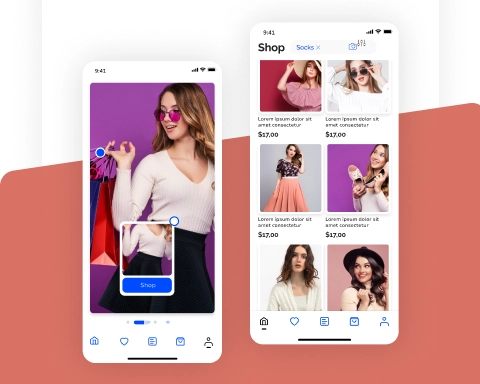
E-commerce
Learn how to create Online shopping, Product browsing, and secure payments.
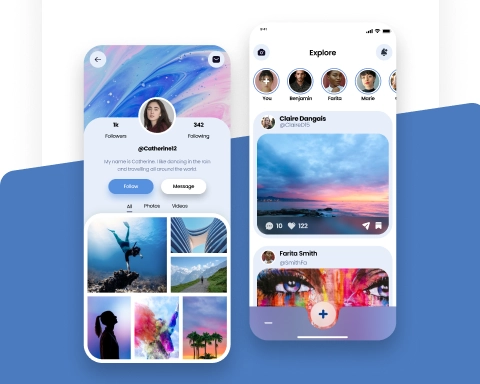
Social Networking
Learn to create social networking applications that spark engagement and encourage virtual communities.
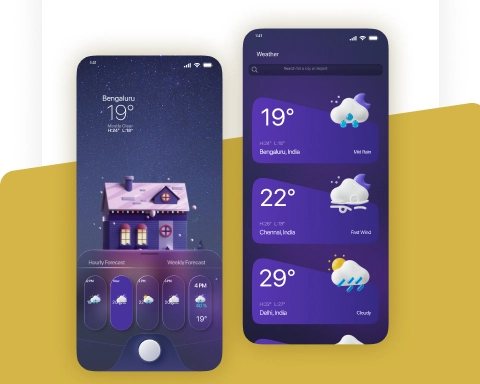
Utilities
Working on products with specific tasks or functionalities like calculators and weather apps.
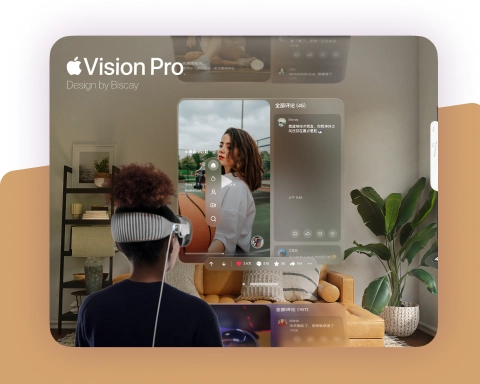
Apple Vision Pro
Learn how to build advanced Apple Vision Pro applications that mix virtual happiness and reality.
Brand Storytelling
Learn how to craft compelling visual narratives that enhance brand identity.

Event Promo
Learn how to design eye-catching promotional videos that generate excitement and drive attendance for events.

E-learning Video
Discover how to design interactive and visually rich educational videos that enhance digital learning experiences.
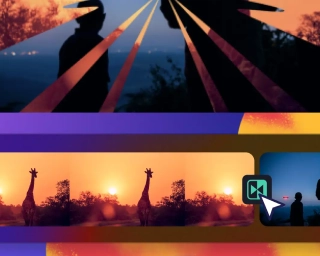
Cuts & Transitions
Learn to master types of cuts and effective transitions to maintain continuity and sense of flow.

Instagram Reels
Master the art of creating engaging, high-impact short videos to boost brand presence.
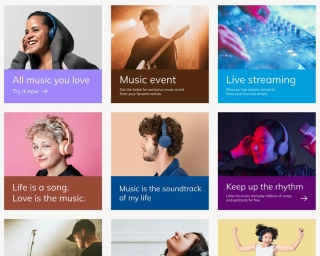
Social Media Ads
Explore how to create attention-grabbing ads for different platforms to maximize.
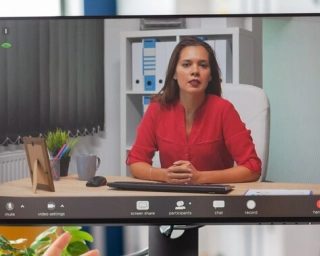
Explainer Videos
Learn to simplify complex ideas through visually appealing animated videos that educate and inform audiences.
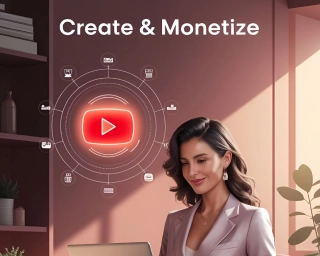
Youtube Shorts
Learn to make compelling YouTube Shorts with customizable templates & professional video editing tools.
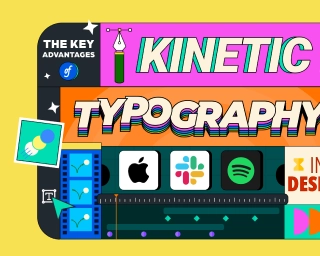
Kinetic Typography Animation
Learn how to bring words to life using dynamic text animations that enhance storytelling.
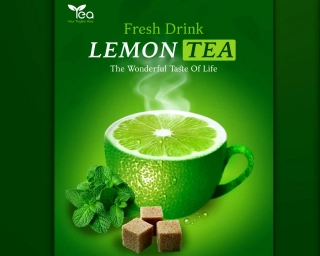
Product Ad
Use our shooting equipment & green matte studio to create stunning Product ads.
Infographic video
Learn to visualize complex data and information through engaging animated infographic videos.
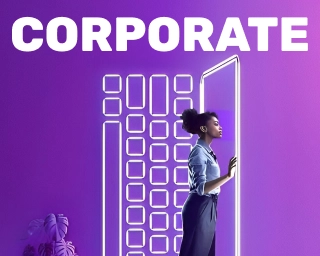
Corporate Ad
Learn to create a corporate ad with visually appealing titles, transitions, and engaging content.
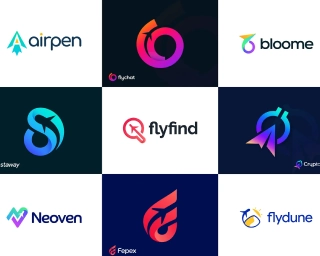
Logo & Icon Animation
Learn to animate various logo types and icons with stunning effects.
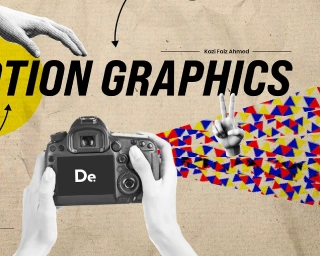
Portfolio Showreel
Create a stunning portfolio video that showcases your best work and leaves a lasting impression.
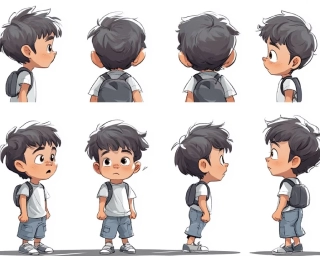
Character Animation
Master the fundamentals of bringing characters to life with smooth, expressive movements.

Visual storytelling
Learn how to craft compelling visual narratives that enhance brand identity.
Expansive Concepts
Visual Design Mastery Course Syllabus
The Visual Design Mastery (VDM) syllabus is structured to provide a progressive learning experience, ensuring that students gain both foundational knowledge and advanced skills in Graphic Design, UI Design, and Motion Graphics.
Module 1:
Fundamentals of Visual Design
- Principles of Design (Balance, Contrast, Hierarchy, etc.)
- Elements of Design (Line, Shape, Color, Texture, etc.)
- Composition & Layout Techniques
- Understanding Grids & White Space
Module 2:
Design Thinking Process
- Introduction to the Design Thinking Process
- User-Centered Problem Solving
- Ideation Techniques & Brainstorming
- Case Studies of Successful Design Thinking Approaches
Module 3:
Visual Literacy & Perception
- Understanding How People See & Interpret Designs
- Semiotics & Symbolism in Design
- Storytelling Through Visuals
- Visual Trends & Cultural Influences
Module 4:
Color Theory & Typography
- Color Harmonies & Branding
- Color Psychology in UI & Graphic Design
- Typography & Readability
- Font Pairing & Expressive Typography
Module 5:
Sketching & Storyboarding
- Basic Drawing Techniques
- Ideation & Concept Sketching
- Character & Object Sketching
- Storyboarding & Motion Sketching
- Sketching for Branding & Illustration
Module 6:
Creative Product Photography
- Camera & Lens Settings
- Lighting & Composition
- Product Photography Techniques
- Product Types and Set Design
Module 7:
Generative AI for Designers
- AI Tools & Prompt Engineering
- Generative AI in Graphic Design
- AI for Branding & Marketing
- Product Types and Set Design
Module 1:
Adobe Photoshop (Image Editing & Digital Compositing)
- Understanding the Interface & Workspace
- Essential Keyboard Shortcuts
- Image Editing & Retouching
- Selection Tools & Layer Masking
- Retouching & Healing Tools for Perfecting Images
- Layer Management & Blending Modes
- Smart Objects for Non-Destructive Editing
- Adjustment Layers & Filters
- Neural Filters for Advanced Retouching (AI)
- Automating Workflows with Actions (AI)
- Advanced Compositing FireFly Generative Tool (AI)
Digital Painting (Using a Graphic Tablet)
- Basics of using a Graphic Tablet
- Understanding Pressure Sensitivity
Module 2:
Adobe Illustrator (Vector Graphics & Logo Design)
- Understanding Vector vs. Raster Graphics
- Illustrator Interface & Navigation
- Sketching & Converting to Vector
- Creating Scalable Icons & Symbols
- Corporate Branding & Mockups
- Vector Object Editing & Flat Character Design
- Creating Isometric & 3D Illustrations
- Designing Infographics & Charts
- Typography Retype (AI)
- Generative Recolor & AI-Powered Vectorization (AI)
- Custom Brushes & Effects for Digital Art (AI)
- Exporting for Print, Web & Animation
Module 3:
Adobe Lightroom (Photo Enhancement & Color Grading)
- Lightroom Interface & Navigation
- Importing & Organizing Images Efficiently
- Exposure, Contrast & Color Adjustments
- Using Presets & Custom Color Profiles
- Skin Retouching & Detail Enhancement
- AI-Powered Auto Adjustments (AI)
- Batch Editing & Syncing Edits Across Images (AI)
Module 4:
Adobe InDesign (Layout & Print Design)
- Introduction to Layout & Publishing
- Setting Up Documents for Print & Digital
- Understanding Grids, Margins & Bleeds
- Designing Brochures, Magazines & Book Covers
- Interactive PDFs & ePublishing
- Data Merge for Bulk Publishing (AI)
- AI-Assisted Layout Adjustments (AI)
- Exporting for Web & Print
Module 5:
Canva (Quick & Effective Visual Design)
- Interface & Online Features
- Creating & Customizing Templates
- Social Media & Marketing Design
- Designing Instagram Posts, Ads & Banners
- Customizing Presentations & Business Cards
- AI Features & Productivity Hacks
- AI Text-to-Image & Background Removal
- Collaborating & Exporting Designs Efficiently
Module 1:
UX Design Overview
- Understanding UX vs. UI: The Key Differences
- Why UX Matters in Visual Design
- Role of Visual Designers in UX
- Designing for Users, Not Just Aesthetics
- UX Mistakes Visual Designers Should Avoid
- User Research & Persona Development
- Visual Problem-Solving Strategies
- Evaluating & Improving Visual Solutions
- How AI Tools Can Assist in UX Decisions (AI)
- AI-Generated Content & Its Impact on UX (AI)
Module 2:
UI Design Fundamentals
- Design Principles for UI (Hierarchy, Consistency, Affordance)
- Layout & Composition for UI
- Color Theory & Typography in UI
- Iconography & Visual Elements
- Designing for Accessibility & Inclusivity
Module 3:
Figma - UI Design Mastery
Basic Tools & Features
- Introduction to Figma & Interface Navigation
- Working with Files, Pages & Artboards
- Understanding Frames, Shapes & Grids
- Using the Pen Tool & Boolean Operations
- Layers, Groups & Auto Layout Basics
- Creating Responsive Designs with Auto Layout
- Smart Components & Variants for Reusability
- Designing Icons, Illustrations & Custom Graphics
Prototyping & Interactions
- Creating Clickable Prototypes
- Adding Hover, Tap & Scroll Interactions
- Smart Animate for Microinteractions
- Best Practices for Usability Testing with
- Prototypes
- Testing & Sharing Prototypes
Design Systems & Component Libraries
- Setting Up a Design System in Figma
- Using Components, Variants & Shared Styles
- Managing Icons, Typography & Color Systems
Collaboration & Handoff for Developers
- Real-Time Collaboration & Commenting Features
- Working with Teams & Shared Libraries
- Version History & File Organization
- Preparing Design Assets for Web & Mobile
- Generating CSS & Code Snippets for Developers
- Exporting SVG, PNG, JPG & PDF Files
AI & Automation in UI/UX Design
- AI-Powered Design Features in Figma
- Using AI Plugins for Quick UI Generation
- Automating Repetitive Tasks with Plugins
- AI-Generated UX Writing & Microcopy
- AI-Powered Usability Testing & Accessibility
- Improvements
Overview of other industry-relevant tools
- Sketch
- Framer
- Spline (3D)
- DoraAI (AI)
- Adobe Aero (AI)
Module 1:
Motion Graphics Foundations
- Introduction to Motion Graphics
- Core Principles of Animation
- Motion Graphics for Branding & Marketing
- UI Motion & Showreels
- Advanced Motion Techniques & AI Automation
Module 2:
Adobe Premiere Pro (Professional Video Editing)
- Understanding the Interface & Workflow
- Trimming, Cutting & Arranging Clips
- Adding Transitions & Effects
- Multi-Camera Editing for Interviews & Podcasts
- Using Lumetri Color for Professional Grading
- Applying LUTs for Cinematic Looks
- Syncing Audio & Voice Overs
- Best Export Settings for YouTube, Instagram & Web
- Understanding Codecs & Compression
Module 3:
Adobe After Effects (Motion Graphics & VFX)
- Interface & Essential Panels
- Working with Keyframes & Animation Basics
- Understanding Layers & Composition
- Animating Text & Graphics
- Logo Animation & Branding
- Motion Tracking & Stabilization
- Creating Lower Thirds & Title Animations
- Removing Green Screen & Chroma Keying
- 3D Motion Graphics & Camera Work
- Rendering with Adobe Media Encoder
- Using Alpha Channels for Transparent Animations
Module 4:
Adobe Character Animator (Real-Time Animation)
- Understanding Real-Time Motion Capture
- Using a Webcam & Microphone for Live Animation
- Rigging & Controlling Characters
- Creating Puppets with Adobe Illustrator/Photoshop
- Adding Facial Expressions & Body Movements
- Automating Lip Syncing with Voice Input
- Creating Interactive Talking Avatars
- Using Triggers & Gestures for Advanced Motion
- Using Characters in YouTube, Gaming & Social Media
- Live Streaming with Real-Time Animation
Module 5:
AI-Powered Video Editing
- AI's role in modern video editing
- Overview of top AI-powered video editing tools
- Runway ML for Video Editing
- AI-powered background removal & rotoscoping
- Generating motion effects and animations
- Text-to-video and AI-driven scene generation
- Automated Cutting & Scene Detection
- AI Color Grading
- AI Upscaling & Restoration
- Voice & Sound Enhancement
- Generating dynamic motion graphics with AI
- Auto-generating subtitles and captions
Portfolio:
Your Final Showcase
- Building a solid portfolio
- Client targeting
- How to pitch for projects?
- Negotiation tips
- Freelance work completion guidelines
- Developing entrepreneurial mindset
Skills you will master
- Visual Design & Storytelling
- Color
- Typography & Composition
- Creative Photography & Branding
- Generative AI for Design & Marketing
- Image Editing, Illustration & Vector Graphics
- UX/UI Design, Prototyping & Design Systems
- Motion Graphics, Video Editing
- Portfolio Building, Client Management
AI Powered Learning
Web D School's Visual Design Mastery (VDM) isn’t just about mastering design— it’s about staying ahead with cutting-edge AI tools that are transforming the industry.

AI-Powered Graphic Design

AI in User Interface Design

AI in Motion Graphics

AI-Enhanced Image Editing
Placement Record
Showcasing the top companies where our students have been successfully placed.








Your Studio-Style Learning Path
What Changes for a Visual Designer
Most candidates explain visuals.
Vinci Studio–trained visual designers explain impact.
INTERVIEWER ASKS
"Walk me through this design."
YOU EXPLAIN INTENT
Intent → Audience Behavior →
Visual Hierarchy → Execution Choices
You don’t jump into colors or animations. You explain what the design needed to achieve and how attention is guided.
❌ “I followed the trend”
✅ “This hierarchy improves clarity and action.”
INTERVIEWER ASKS
"Why does this design work?"
YOU USE BRANDLENS360
Brand voice, user psychology,
platform behavior, market standards.
Your answer reflects visual strategy — not surface aesthetics or personal taste.
INTERVIEWER ASKS
"Present your case study."
YOU USE PPR
Problem → Visual System → Result
What needed to be communicated? How did your visual system solve it? What outcome changed?
Studio-level presentation. Not classroom explanation.
This is why your portfolio feels decision-driven, not decorative.
Because in 2026, visual designers are hired for clarity, consistency, and conversion — not just style.
Our Course Highlights
At Web D School, we go beyond traditional visual Design courses by offering real-world, hands-on learning designed for career success. Here's what makes us different:
Course Comparison
Compare courses side by side to choose the right learning path for your goals.
| Feature | Graphic Design | Advanced Graphic Design |
Visual Design Mastery
Pro
|
|---|---|---|---|
| Skills | Graphic Design | Graphic + UI Design | Graphic + UI + Video + Motion |
| Duration | 3 months | 5 months | 7 months |
| Sessions | 40 | 60 | 90 |
| Tools | 7+ | 14+ | 18+ |
| Projects | 6+ | 15+ | 20+ |
| Career Path | Entry-level | Mid-level | Advanced multi-disciplinary |
| Salary Growth | Moderate | High | Very High |
| Market Demand | High | Very High | Extremely High |
Career Outcomes
Career advantage: Strong graphic design + motion graphics portfolios often open more creative roles and faster career growth — exact outcomes vary by effort, portfolio quality, and market conditions.
Graphic Designer
Visual Designer
Motion Graphics Designer
Interaction Designer
Brand Designer
UI Designer
Information Architect
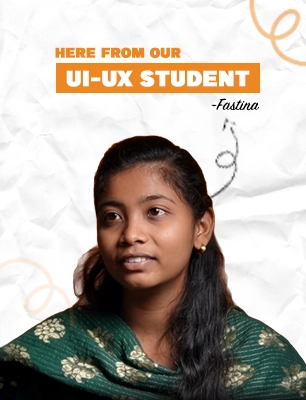
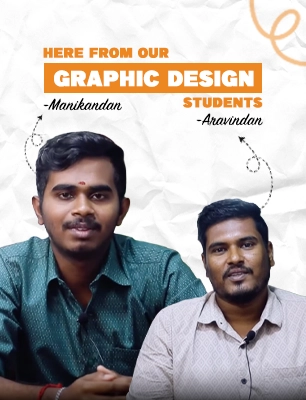
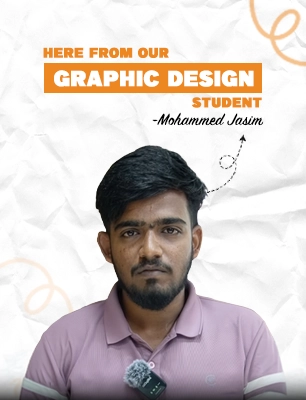
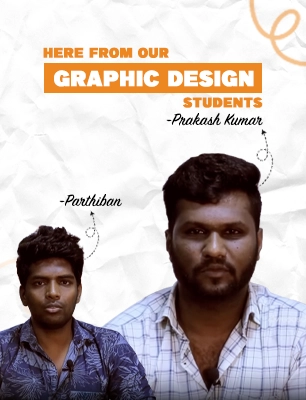
Testimonials
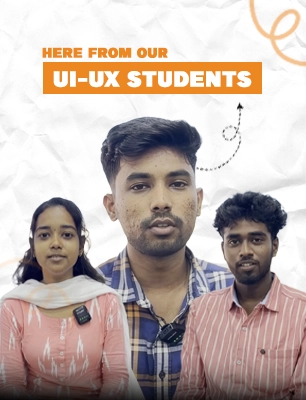
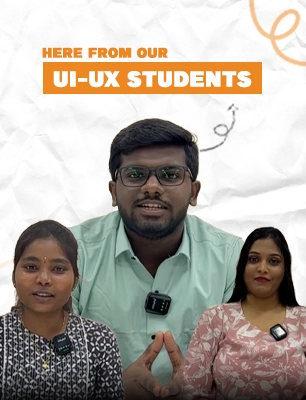
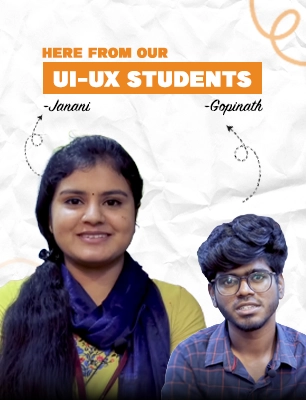
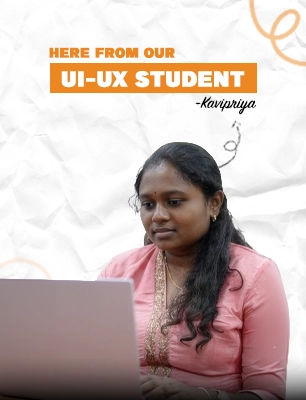
Real Stories! Real Impact!
Hear how creators transformed their passion into a thriving career.
Placement Support
What We Provide:
- Multi-disciplinary portfolio development
- Resume optimization highlighting versatility
- Mock interviews with expert feedback
- Direct connections to 200+ hiring partners
- Interview preparation workshops
- Salary negotiation guidance
- Freelance opportunity guidance
What Our Students Say
Hear from our students about their journey of support, learning, and growth

Surekha Balaji
Visual Design Mastery
★★★★★
After completing the VDM course, I started freelancing as a Graphic Designer and Motion Graphic Artist. The knowledge I gained here helped me attract clients and earn money online.

Shojan
Visual Design Mastery
★★★★★
The VDM course covered everything—Graphic Design, UI Design, and Motion Graphics—all in one structured program. Now, I confidently create social media designs, websites, and animated videos. Thank you, Web D School!

Subash
Visual Design Mastery
★★★★★
Unlike other courses, VDM focuses on practical learning. The course included live projects, hands-on assignments, and one-on-one mentorship, which helped me gain confidence. Today, I work as a Visual Designer at Giggso India Pvt. Ltd!

Arjhun
Visual Design Mastery
★★★★★
Web D School's VDM course changed my life! I entered with no design experience, and now I have a strong portfolio in Graphic Design, UI Design, and Motion Graphics. The training was hands-on, and the mentors guided me every step of the way.
Frequently asked questions
Clear answers about the program, Vinci Studio, and how this training really works.
You’re learning four distinct skills to a professional level — Graphic Design, UI Design, Video Editing, and Motion Graphics. Most institutes charge separately for each. This program integrates them into one comprehensive studio-style journey.
No. The program starts from fundamentals across all disciplines and gradually progresses to studio-level execution.
Vinci Studio is MaxEdge’s internal creative agency environment where students train using professional frameworks and review standards. It’s not employment — it’s an apprenticeship-style training ecosystem that prepares you for real agency work.
In the first 3–5 months, you work on simulated studio briefs designed for training. After that, the top 10–15% of performers may be promoted to Studio Intern and become eligible to contribute to selected internal brand projects. This is performance-based and not guaranteed for everyone.
Regular training: Assignments, grades, generic feedback.
Vinci Studio: Professional briefs, approval & revision cycles,
framework-based reviews, and portfolios built to agency standards.
The difference shows up in interviews when you explain work using
BRIDGE, BrandLens360, and PPR — not just visuals.
The curriculum is designed as an integrated program. However, you can specialize later based on your strengths and interests.
No. The curriculum is structured progressively. You master one skill before moving to the next, with overlapping practice throughout.
Integrated learning teaches you how skills connect. You learn when to use graphics vs UI vs motion — that strategic thinking is what employers value most.
Yes. Upon completion, you receive a certification confirming your training in the Vinci Studio environment using BOS frameworks. This is a training certification, not an employment credential.
Ready to Start?
This program begins with career clarity, not blind enrollment.
Our counselors will help you understand
If cross-disciplinary training matches your goals
Whether Fast Track or Standard Track suits you
Which mode (campus / online) fits your situation
How the progression path works across disciplines
No pressure. No spam. Just honest guidance.