
Don't Just Write Code. Ship Products.
Full Stack Developer Course in Chennai.
Master the Full Stack: MERN/MEAN + AWS + System Design
Join Vinci Studio's Tech Division
Stop building "To-Do Lists." Start building scalable, deployed applications. Learn to Architect (BRIDGE), Build (Code), and Deploy (AWS) like a Senior Engineer.
Campus: Web D School, Chennai | Online: Available across India
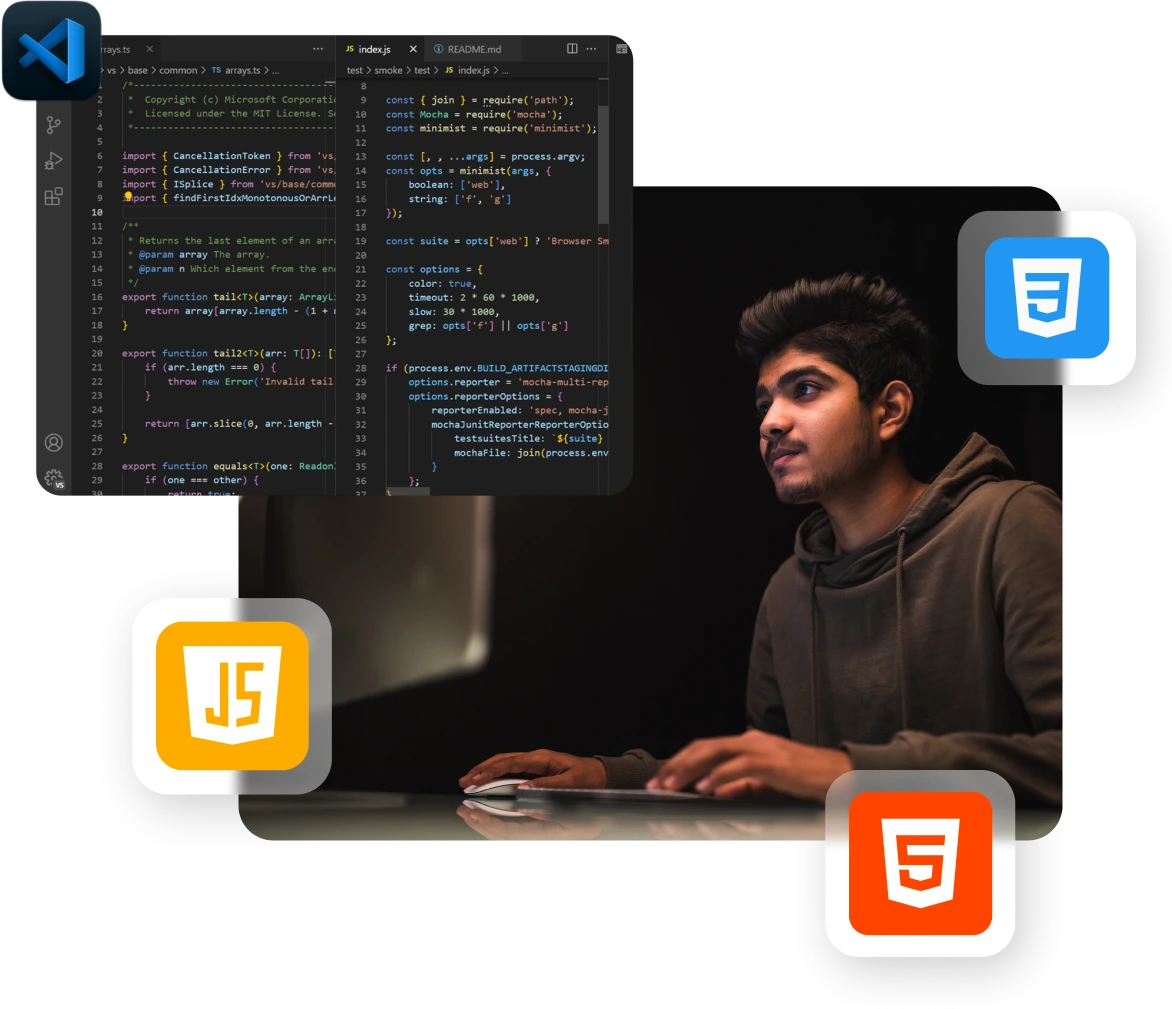
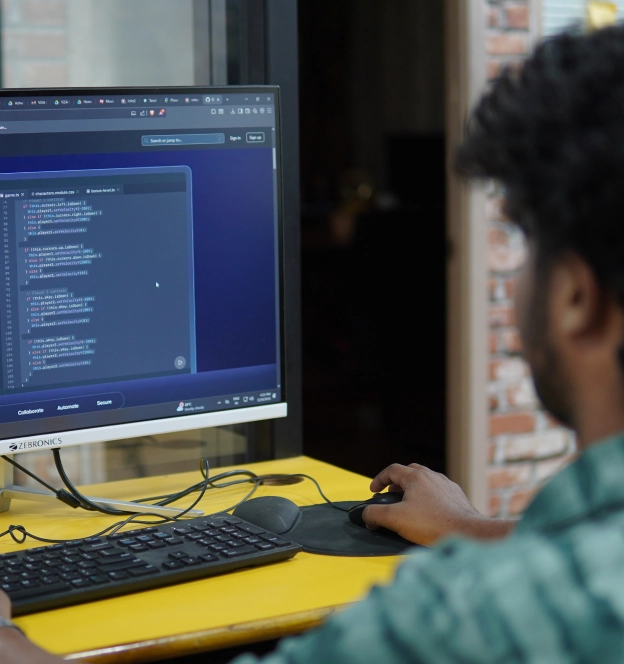
You won’t just learn coding in a classroom. From Day 1, you train inside Vinci Studio's Tech Division.
Vinci Studio’s Tech Division is a studio-style training environment where every development project is handled like a real-world product build — reviewed using professional coding and architectural standards.
- Work on studio-style development briefs, not random coding exercises
- Get professional feedback on code quality, logic, and scalability
- Learn the BRIDGE framework to structure development projects systematically
- Build a full-stack portfolio that demonstrates complete application capability
The Result
In interviews, you present working applications with clean code architecture, clear logic, and real-world problem-solving — not just tutorial-based projects.








Why Full-Stack Development?
The web is the backbone of modern business. From startups to global enterprises, websites and web applications drive sales, marketing, customer experience, and revenue decisions.
One full-stack developer → Multiple specialists working separately
This program prepares you to handle the complete web development lifecycle — from user interface design to server logic, databases, and deployment — making you highly valuable across industries and roles.
One Skill Set. End-to-End Capability.
With full-stack expertise, you don’t just build pages — you create complete, production-ready web applications that businesses actually depend on.
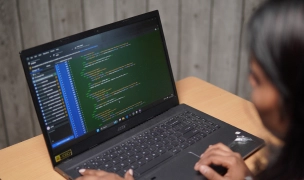
Frontend Development
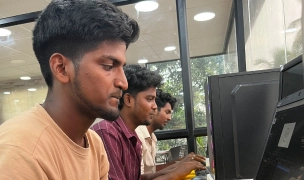
Backend Development
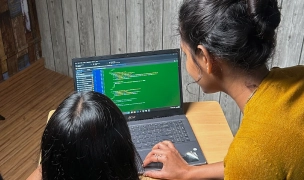
Database Management
Deployment & Optimization
Program Overview
Duration
6 Months
Sessions
75 Sessions (90 mins each)
Mode
Campus (Chennai) or Online
Schedule
Alternate days + Weekend options
Studio Access
Unlimited lab hours for Chennai campus student
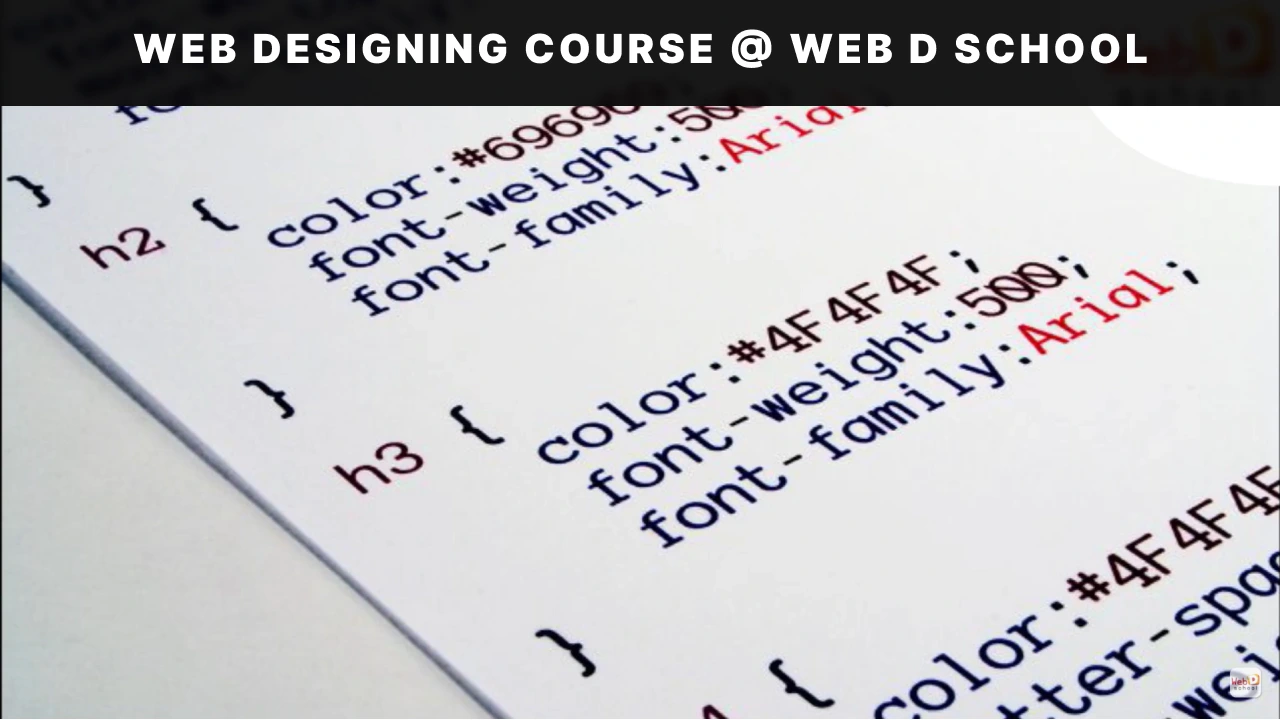
Watch the videos to know more about the course.
Get a glimpse of how our full stack developer program in Chennai prepares you with real-world skills.
Skills You'll Master
A practical skill set designed to make you job-ready as a full stack developer in real-world product teams.
Tools Covered
Master industry-standard tools that power professional design, development, and marketing workflows.
-
Bootstrap
-

CSS3
-

Figma
-
HTML5
-
Javascript
-

Jquery
-

Mango DB
-

Mango DB
-
Node JS
-

Adobe Photoshop
-
Python
-
React JS
-

Wordpress
Expansive Concepts
Full-Stack Development Course Syllabus
Master both front-end and back-end development with real-time projects and hands-on training as part of our full stack developer course in Chennai. Build complete web applications from scratch using the latest technologies.
Figma, Photoshop, HTML5, CSS3, Bootstrap 5, Javascript & JQuery
Module 1:
Figma
- Introdution to Figma
- Design Principle
- Webpage Layout Using Figma
Module 2:
Photoshop
- Introduction to Photoshop
- Webpage Layout & Image Optimization
Module 3:
HTML5 & CSS3
- Introduction
- Working with Text Elements
- Working with Tables, Working with Lists
- HTML5 Div Elements, Positioning
- CSS Style Rule, IDs & Classes and CSS Selectors
- Working with Box Models
- Working with Position
- Working with Animations
- Working with Flex and Grid
- Creating an Singlepage Website
- Creating an Multipage Website
- Creating an Single & Multipage Website with Responsiveness
Module 4:
Bootstrap
- Introduction To Bootstrap
- Project (Session - 1)
Module 5:
Javascript
- Introduction to JavaScript
- Variable Declaration, Data types, & Operators
- Looping & Conditional Statements
- Array and String Methods
- Timing Events
- JS DOM
- JS Timing Events
- Creating a CRUD Operation or Billing Software
- Javascript AJAX
- Anime.js & GSAP, Aos & Owl Carousel
- jQuery-UI Components
Elective I - React JS
Module 1:
React JS - Introduction
- Environmental Setup
- Folder Structure
- Understanding npm
- Understanding Components
- JSX
Module 2:
Props & State
- Understanding Props
- Understanding State & SetState
- Destructuring state and Props
Module 3:
Event Handling
- Binding event handlers
- Keyboard and Mouse events
Module 4:
Conditional Rendering
- Conditional Rendering
- List Rendering & keys
- Styling elements using Class
Module 5:
Lifecycle Methods
- Component lifecycle methods
Module 6:
React Advanced Concepts
- useState
- useEffect
- useContext
- useMemo and etc.
Module 7:
React Plugins
- Bootstrap 5
- Browser Router
- MUI components
Module 8:
Http Requests
- Handling http requests
- Axios
- GET & POST request
Module 9:
Redux
- Overview of redux
Elective II - Angular
Module 1:
Introduction to Web Development
- Difference between Web Design and Web Development
- What is Angular JS
- Migrating to Angular 2+
Module 2:
Introduction to Angular
- Introduction to Angular
- What is Angular?
- Why Angular?
Module 3:
TypeScript Features
- Getting Started with TypeScript
- Working with tsc
- TypeScript Features
- TypeScript Classess
- Function: Inferring the types
- Interfaces
- Generic Types
- Generic Classes
- Generic Constraints
- Decorators
- Property, Class, Parameter Decorators
- Exports
- External Modules
- Namespace & Mixins
Module 4:
Software Requirements
- Setting up Environment
- Setting up an Angular Application
Module 5:
Understanding Component
- Basics of component
- Component Decorator
- Component Decorator details
- Creating Components
- Passing data to a Component
- Responding to Component Events
- Component Lifecycle
- Advantage and limitations of component
Module 6:
Data Binding in Angular
- One Way & Two Way Data Binding
- Understanding Modules
- Angular Bootstrap Process
Module 7:
Forms in Angular
- Two way data binding with ngModel
- User Input
- Form Controls in Angular
- Controls and Control Groups
- Form & NgForm
- Validation & Error Handling
- CSS-Forms
Module 8:
Dependency Injection in Angular
- Dependency Injection
- Why dependency injection?
- Dependency Injection Usage
- Configuring the injector
- Injectable Decorators
- Dependency Injection Tokens
Module 9:
Introduction to Directives
- Attribute Directives
- Difference between Directives and Component
- Create new Attribute Directives
- Structural Directives
- Creating Structural Directives
- Directive Metadata
- Directive Types
Module 10:
Pipes
- Chaining pipes
- Parameters in Pipe
- Custom Pipe
- Async Pipes
- Built In Pipes
Module 11:
Routing & Navigation
- Basic introduction to Router
- Route configuration
- RouteConfig, RouterLink, RouterOutlet
- Child Routes
Module 12:
Services & Providers
- Services in Angular
- Injecting the HeroService
- An Overview on Providers
- Example on Services
Module 13:
Events in angular
- Event Emitter Class
- Emit Method & Next Method
- Subscribe Method
Module 14:
Observables & RxJS
- Observables
- The RxJS Library
- Observables in Angular
- Practical Usage
Content Delivery System:
Wordpress
- Introduction to CMS and Word Press
- Download and install Wordpress
- Download themes and customization
- Page vs. Post and its content type
- Download and working with plugins
Elective I - Node JS - MongoDB
Module 1:
Node JS & Express JS
- Node JS Introduction
- Working with File system
- Creating a server using Node JS
- Working with html and File system connectivity
- Creating a QR-Code Project
- Creating a MVC Concept
- Creating a MVC Concept with other functionality
- Authentication using React and Firebase
Module 2:
MongoDB
- Setting up Environment
- Setting up an React Application
- MongoDB CRUD Operations
Elective II - Python - Django - SQL
Module 1:
Python
- Introduction of Python
- Variable Declaration, and Data Types
- Operator & Looping Statements
- Function & Classes
- File Handling
- OOPs
Module 2:
Django
- Introduction of Django
- Creating the Structure for Project
- Creacting application using Django
Module 3:
SQL
- SQL vs MySQL
- Installation, and Showing
- Creating a Table (Projects Fields) Using SQL
- Storing the Data in the Admin and User Panel Using Django
Elective III - Java - Springboot - SQL
Module 1:
Java
- Introduction to Java
- Variables, Data Types, Operators & Tokens, Object, Constructors, This Keyword
- Java Object Oriented Programming: OOPs
- Control Structures & Looping, String & Array
- Execution Handling & File Handling & IO
- Collection in Java
- Java Concurrency & Multithreading
- Java APIs
Module 2:
Spring Boot
- What is Spring Framework
- Spring Modules, What Are Spring Modules
- Spring Web MVC concept
- Aspect-Oriented Programming
- Spring Transaction
- Springboot Devtools
Module 3:
SQL
- SQL vs MySQL
- Installation, Showing, Creating & Droping Database
- Creating & Droping Table
- Inserting Data & CRUD Basic
- Constrains & ALTER Table
Cloud Technology:
Amazon Web Services
- Introduction to Amazon Web Services
- Introduction to Cloud Concepts
- AWS Global Infrastructure Overview
- VPC, Networking and Content Delivery
- AWS Storage and Database
- Serverless and Application Services, Monitoring and Analytics and Cloud Security
- AWS Architecting
- Pricing and Support, Migration and Innovation
Skills you will master
- UI/UX Design Principles & Wireframing
- Visual Design & Layout Planning
- Responsive Web Design & Cross-Device Optimization
- Front-End Development (HTML, CSS, JavaScript)
- Interactive Web Animations & User Interactions
- Modern Frameworks (React / Angular)
- State Management & Data Binding
- Routing, APIs & Dynamic Content Handling
- Back-End Development & MVC Architecture
- Database Design & Management
- Authentication & Security Implementation
- Content Management Systems & Website Deployment
- Cloud Computing & Serverless Architecture
- Scalable Application Development
- End-to-End Project Building & Deployment
The "SaaS Launch" Mandate
Your Month 6 Capstone: You’ll launch a business.
You won't just pass an exam. You'll ship a production application.
The Product: A real-time collaboration tool (like Trello or Slack)
The Tech Stack
Frontend: React
Component architecture, state management, routing
Backend: Node/Express
REST APIs, authentication, WebSockets
Real-Time: Socket.io
For live collaboration features
Database: MongoDB
For data persistence
Deployment: AWS/Vercel
With CI/CD pipelines
The Deliverables
"This isn't a tutorial project. It's a portfolio piece that proves you are job-ready."
Your Studio-Style Learning Path


Performance Phase
Advancement Opportunity

You get to work on these Projects & many more
You’ll build real-world projects like these and more throughout the course.
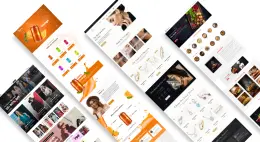
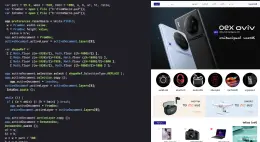
Single Page Design
Learn to design a single-page website using Figma and Photoshop.
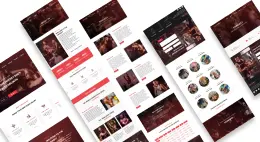
Front-end Development
Learn how to develop the single page website using HTML and CSS
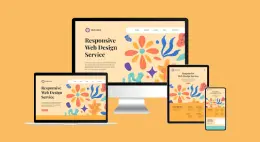
Multipage Website
Creating multiple pages and linking using HTML and CSS Libraries.
Interactive Website
Adding Interactivity to the website and dynamically updating the content of the website.
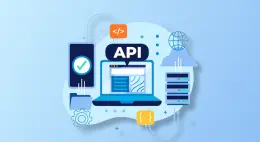
API Integration
Connection to a data source situated at a given Internet address, that can be accessible in a specified way using certain tools.

Web applications
Creating Web applications by creating reusable components using React/Angular.

Backend Development
Creating a Management System using Node.js and MongoDB.
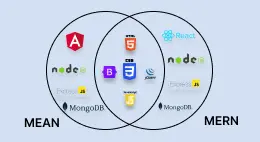
MEAN/MERN Stack Development
Building a Complete Full-stack Webpage Development using MEAN/MERN stack.
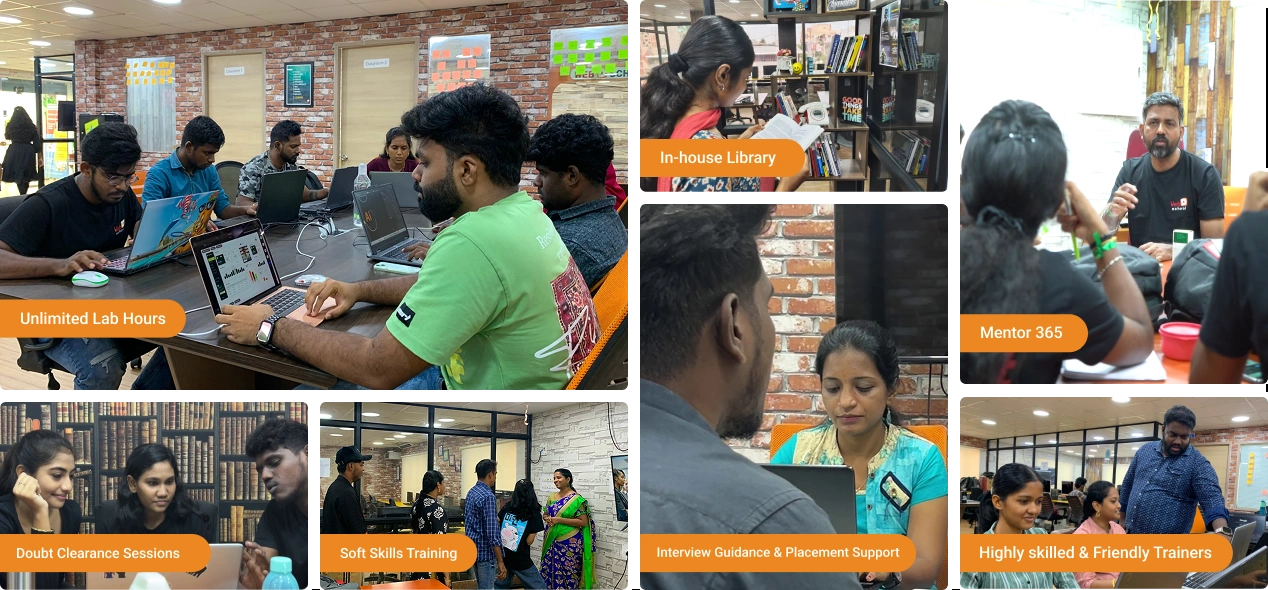
Our Course Highlights
At Web D School, we go beyond traditional visual Design courses by offering real-world, hands-on learning designed for career success. Here's what makes us different:
Career Outcomes
Career advantage: Full-stack capability often opens faster career growth and more versatile roles — exact outcomes vary by effort, code quality, portfolio strength, and market conditions.
Full-Stack Developer
Frontend Developer
Backend Developer
Web Developer
JavaScript Developer
React Developer
Node.js Developer
WordPress Developer
Placement Record
Showcasing the top companies where our students have been successfully placed.

















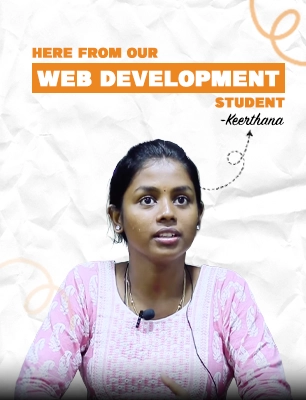
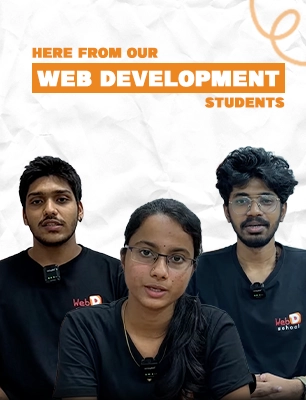
Testimonials
Real Stories! Real Impact!
Hear how creators transformed their passion into a thriving career.
Frequently asked questions
Answers made easy — everything about Web D School’s programs and Vinci Studio training.
Web development is the process of building and maintaining websites and web applications that run on browsers. It involves frontend interfaces, backend logic, databases, and deployment.
Frontend development focuses on what users see and interact with in their browsers. It includes HTML, CSS, JavaScript, UI frameworks, responsiveness, and user experience.
Backend development handles server-side logic, databases, APIs, authentication, and application workflows that power the frontend experience.
Vinci Studio is MaxEdge’s studio-style training environment. Students train using professional development briefs, structured frameworks, and code review standards — similar to real agency and product teams. It is a training ecosystem, not employment.
During the initial 4–5 months, you work on industry-simulated development briefs designed for training. Top 10–15% performers may be promoted to Studio Intern and become eligible to contribute to selected internal projects. This is performance-based and not guaranteed.
Regular training focuses on assignments and grades. Vinci Studio is designed to mirror real-world environments seen in professional full stack development programs in Chennai. Learners work on development briefs, code reviews, architectural thinking, and portfolio-ready outputs — the kind employers actually evaluate beyond just working features.
No prior coding experience is required. The program starts with HTML and CSS fundamentals and gradually builds toward full-stack development.
Both are industry-standard frameworks. We typically teach React due to wider adoption, but the core concepts transfer across frameworks. The batch curriculum specifies the framework covered.
Yes. Upon completion, you receive a certification confirming your training in the Vinci Studio environment using professional development frameworks. This is a training certificate, not an employment credential.
Ready to Start?
Get personalized guidance before choosing a full stack developer program in Chennai.
Our counselors will help you understand
If studio-style development training matches your goals
What kind of applications you’ll be building
Which mode (campus / online) fits your situation
How the progression path works
No pressure. No spam. Just honest guidance.