
Online UXUI Design Course
Master UX + Product Thinking + AI with Strategic Framework Training.
Don't Just Watch Videos. Learn How Professionals Think.
Learn the frameworks used by professional design teams (BRIDGE, BrandLens360). You don't just learn Figma; you learn how to think like a product-focused UX/UI designer.
Campus: Web D School, Chennai | Online: Available across India

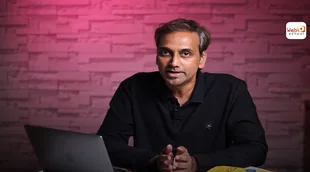



Framework-Led Remote Learning
You won't just watch video tutorials. You'll learn how to think.
From Day 1, you train using Vinci Studio's frameworks (BRIDGE + BrandLens360 + PPR) adapted for remote learning.

Our Placements
Chennai’s Leading UI UX Designer Course with 100% Placement Support in Reputed Companies

Narenthar A
UI/UX Designer


Balaji K
UI/UX Designer

Krithya
UX UI Designer

Saraswathi
UI UX Designer

Tejaswini Kilaru
UI UX Designer

Ramyavikneswari S
UI UX Designer


Gayathri Janani V
UI UX Designer

Sakthi Swetha K
UI UX Designer
Why Remote Learning Works (When Done Right)
Remote learning has opened doors, but most online design courses deliver generic content without real mentorship or strategic depth.
The Problem with Typical Online UX UI Courses
-
Pre-recorded videos with no live interaction
-
Generic assignments with automated feedback
-
No real collaboration experience
-
Surface-level tool training without business context
Our online UX UI design program is different
-
Live classes
Real-time instruction with immediate Q&A
-
Real-time feedback
Personalized critique from design professionals
-
Collaborative projects
Team-based work mirroring workplace dynamics
-
Strategic thinking development
Business context and frameworks employers value
Is This Program Right For You?
We've curated this curriculum for dedicated individuals ready to master the craft of digital product design.
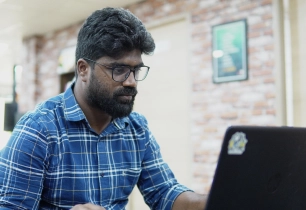

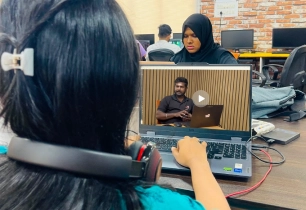
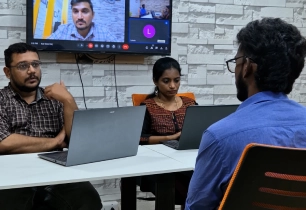
We value your time and ours. This program is rigorous, requires dedication, and is designed for those ready to put in the work.
Tools Covered
Master industry-standard AI-powered tools used in UI UX , professional design, development, and marketing workflows.
-

Figma
-

FigJam
-

Framer
-

Adobe Photoshop
-

Adobe Illustrator
-

Notion
-

Trello
-

Jira
-

ChatGPT
-

Gemini
-

Claude
-

Perplexity
-

NotebookLM
-
Lovable
-

Stitch
-
Hotjar
-

G4A
-

HTML5
-

CSS3
-

Bootstrap
Full Course Curriculum
UX/UI Design — Program Structure
6 phases · 17 modules, from foundational design thinking through portfolio-ready career launch.
Module 01Introduction to UX UI
- Human-Centered Design principles
- Design Thinking process
- Double Diamond framework
- User-Centered Design (UCD)
- UX process & deliverables
- Industry workflow standards
- Problem framing techniques
Module 02SPARK™ Second-Layer Thinking
- Deeper observation skills
- Critical & strategic thinking
- Creative problem solving
- Idea generation techniques
- Rapid experimentation mindset
- Continuous learning habit
Module 03Product Thinking Foundations
- Systems thinking approach
- Business vs. user goals
- Value Proposition Canvas
- Problem discovery methods
- Competitive benchmarking analysis
- MVP planning & roadmaps
Module 04User Research & Understanding
- Qualitative & quantitative research
- User interviews & surveys
- Personas & empathy maps
- Jobs-To-Be-Done (JTBD) framework
- Customer journey mapping
- Pain point analysis
- Research synthesis skills
Module 05UX Laws, Psychology & Principles
- Gestalt Principles
- Hick's, Fitts's & Jakob's Law
- Cognitive load & mental models
- Human psychology in design
- Information architecture principles
- WCAG accessibility standards
- UX heuristics & interaction design
Module 06Wireframing & Rapid Prototyping
- Information architecture & hierarchy
- User & task flows
- Low, mid & hi-fi wireframes
- Rapid prototyping techniques
- Journey flow optimization
- Clickable prototype validation
Module 07Visual Design & Design System
- Typography & color systems
- Visual hierarchy principles
- Design systems & libraries
- Design tokens & variables
- Auto layout components
- Responsive grid systems
- Version control & branching
Module 08Figma UI Design
- Frames, grids & layout
- Components & variants
- Auto layout essentials
- Mobile & web screens
- Smart animation prototyping
- Figma libraries & consistency
Module 09Testing & Iteration
- Usability testing methods
- Heuristic evaluation (Nielsen's)
- A/B testing & validation
- Heatmaps & session recordings
- Accessibility audits
- Data-driven design decisions
Module 10AI-Powered UX/UI Workflow
- ChatGPT for UX writing
- Gemini & Claude for research
- Perplexity for AI search
- NotebookLM for knowledge management
Module 11Modern Team Workflow
- Framer no-code prototyping
- Notion for documentation
- Trello for collaboration
- Jira sprint management
Module 12Branding (Photoshop & Illustrator)
- Brand identity systems
- Logo design & guidelines
- UI assets & icons
- Photoshop for product assets
- Illustrator for vector graphics
- Marketing creatives & visuals
- Cross-touchpoint design consistency
Module 13Product Strategy & Metrics
- Product lifecycle stages
- Strategy & opportunity mapping
- HEART & North Star metrics
- Google Analytics (GA4)
- Hotjar heatmaps & recordings
- Agile/Scrum sprint planning
- Cross-team collaboration
Module 14Modern UI Trends & Emerging Interfaces
- Glassmorphism & neumorphism trends
- Responsive, cross-platform design
- AR/VR & spatial computing
- Wearables & voice UX
- AI-first ambient experiences
- Lovable & Stitch prototyping
Module 15Figma Ecosystem for Product Design
- Dev Mode handoff
- Figma Slides presentations
- FigJam brainstorming
- Figma Make prototyping
- Figma Motion microinteractions
- Variables for design systems
Module 16HTML, CSS, Bootstrap
- Semantic HTML5 structure
- CSS3 responsive styling
- Flexbox & CSS Grid
- Bootstrap components & grid
- Figma-to-code implementation
- Landing page development
Module 17Career Launch
- UX portfolio strategy
- Case studies (PPR method)
- Personal branding (LinkedIn, Behance)
- UX audit & critique
- Freelancing & client acquisition
- Interview & whiteboard prep
- Career roadmap planning
Course Features
Everything you need to master remote design, packaged for your success.
What's the Difference?
UX/UI vs Product Design
UX/UI Design
Focuses on making screens look good and work smoothly.
Product Design
Goes further — Why are we building this? How will it grow the business? What comes next?
Our Promise
This isn't a full Product Design course. It's the most comprehensive online UX/UI design
program with strong Product Thinking built in.
→ That's the edge that gets you noticed in interviews.
Placement Record
Showcasing the top companies where our students have been successfully placed.



Your Investment & Inclusions
Invest in a career-transforming experience, not just a course
Subject to approval
Discounts available
Why AI is Critical for UX/UI
Designers in 2026
- Most design teams now use AI tools in their workflow
- 40% slower delivery without AI skills
- Companies increasingly expect AI-augmented design
- Juniors with AI skills getting hired over seniors without them
Most designers either ignore AI completely or use it as a crutch without strategic thinking.
Remote Career Readiness & Certification
Online learners receive the Vinci Studio Remote Certification.
This certification confirms that you have been trained in professional frameworks – BRIDGE, BrandLens360, and PPR and can operate within a structured, professional design workflow.

Roles This Prepares You For
This certification confirms that you have been Build a foundation for immediate employment and long-term growth.
The Complete Web D School Ecosystem

What Our Students Say
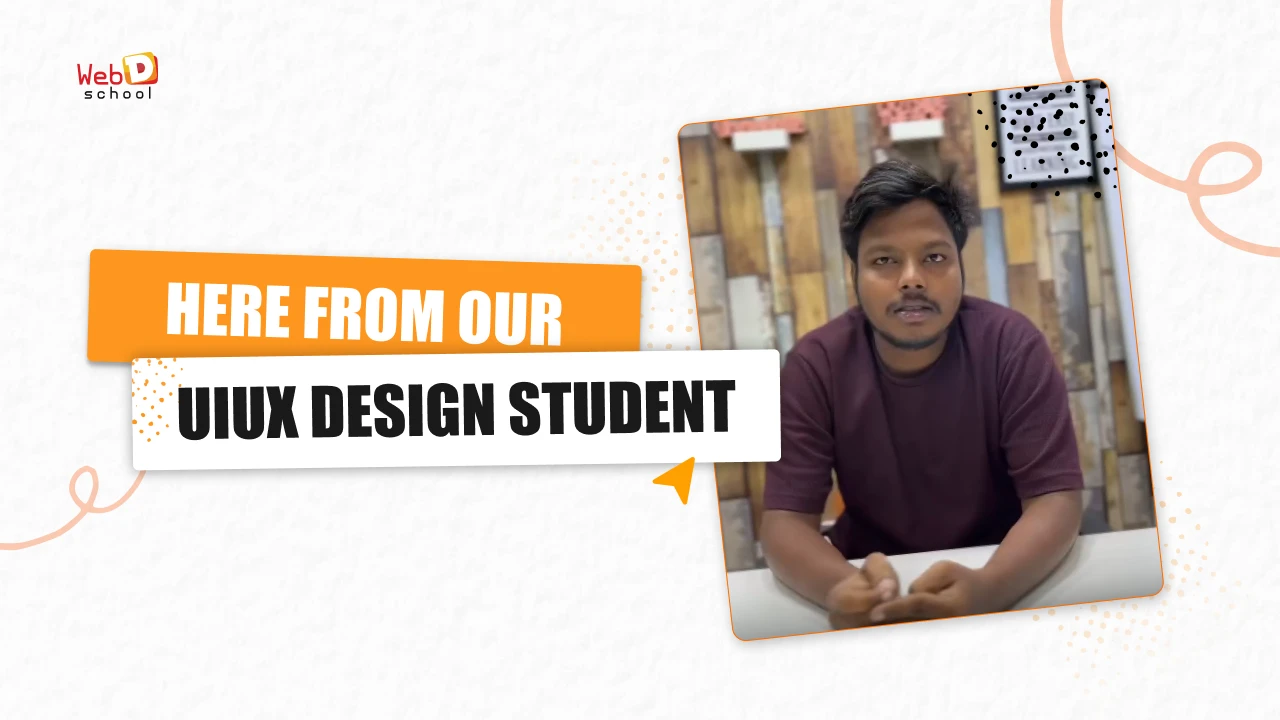
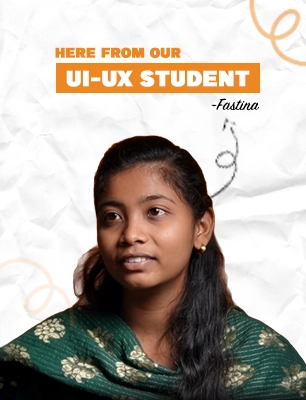
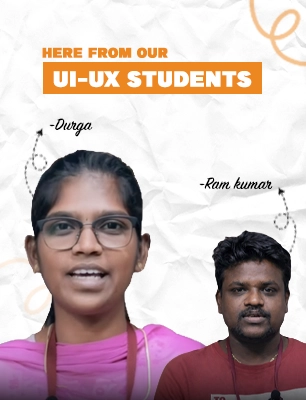
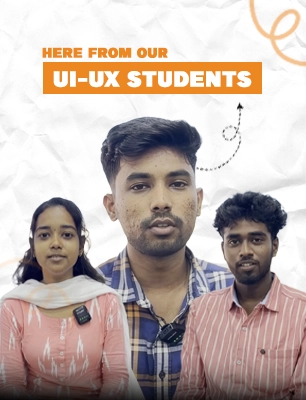
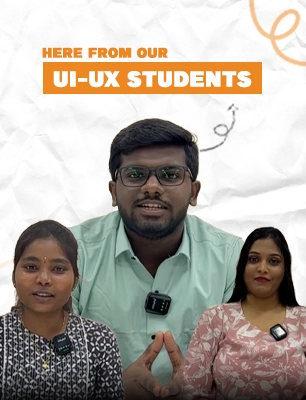
Hear from our students about their journey of support, learning, and growth

Saranya Devi
Product Designer, SaaS Startup
★★★★★
The product thinking approach made me stand out in interviews. I landed a job in just 3 months with a ₹5.2L package.

Hrithik
Career Switcher
★★★★★
I switched from Graphic Design to EdTech. The strategic mindset I gained here was worth every penny.
150+ students placed since 2023 | 92% placement within 6 months
Frequently Asked Questions
Ready to Build Your Remote Career?
This program begins with clarity, not blind enrollment.
Our counselors will help you understand
If framework-led remote training matches your goals
Which batch schedule fits your lifestyle
How the strategic frameworks work in practice
What kind of portfolio you'll build
No pressure. No spam. Just honest guidance.