Online Graphic Design Course
Learn AI-Powered Graphic Design + Motion Graphics Remotely
Master Visual Design. Build a Professional Portfolio
Campus: Web D School, Chennai | Online: Available across India
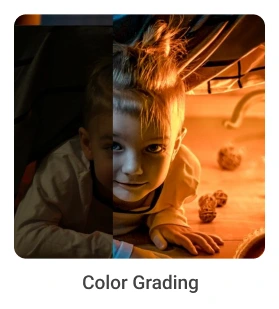
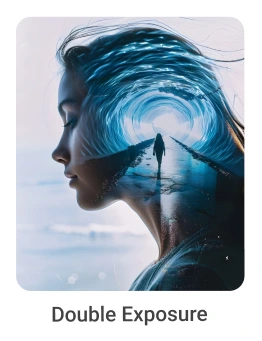
Framework-Led Remote Learning
You won't just watch video tutorials. You'll learn how to think.
From Day 1, you train using Vinci Studio's frameworks (BRIDGE + BrandLens360 + PPR) adapted for remote graphic design learning.

Our Placements
Master industry-standard AI-powered tools used in graphic design , professional design, development, and marketing workflows.

Krithya
Graphic Designer


Bhuvaneshwaran
Graphic Designer

Karthikeyan
Graphic Designer

Kathirvel
Graphic Designer


Ragul
Graphic Designer


Prabhu
Graphic Designer


Praveen Kumar
Graphic Designer

Divya
Graphic Designer


Ramesh
Graphic Designer


Ravindran
Graphic Designer

Why Remote Learning Works (When Done Right)
Remote learning has opened doors, but most online design courses deliver generic content without real mentorship or strategic depth.
The Problem with Most Online Graphic Design Courses:
-
Pre-recorded videos with no live interaction
-
GenGeneric assignments with automated feedback
-
Tool-focused training without strategic thinking
-
No collaboration or team dynamics
Our Online Graphic Design Program Is Different:
-
Live classes
Real-time instruction with immediate Q&A
-
Professional feedback
Critique from experienced designers
-
Collaborative projects
Team-based design work
-
Strategic frameworks
Learn the "why" behind design decisions
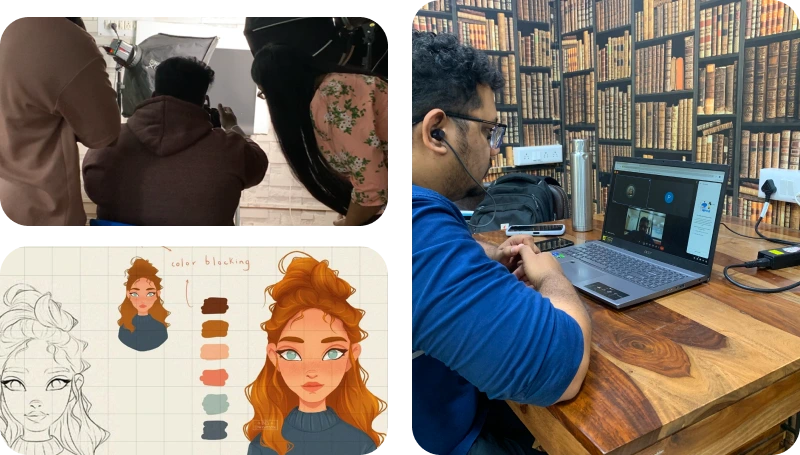
Become a Job-Ready Graphic Designer.
Master Adobe Tools, Build a Stunning Portfolio & Launch Your Creative Career from anywhere. Learn graphic design online with hands-on projects and industry insights.
- AI-Integrated Curriculum
- Real-World Studio Training (Vinci Studio)
- Live Classes with Mentorship
- Build 20+ Real Projects
Tools Covered
Master industry-standard tools that power professional design, development, and marketing workflows.
-
Adobe Photoshop
-
Adobe Illustrator
-
Adobe Indesign
-
Adobe Lightroom
-
Adobe Premiere Pro
-
Adobe After Effects
-

Figma
-
Canva
-
Adobe Firefly
-
Midjourney
-

ChatGPT
-

Gemini
-

Veed.io
-

Runway ML
Full Course Curriculum
Graphic Design — Program Structure
6 phases · 14 modules, from foundational design thinking through freelance-ready career launch.
Module 01Visual Design Foundation
- Visual design elements & principles
- Typography hierarchy & pairing
- Composition & layout grids
- Color psychology & mapping
- Visual hierarchy & attention
- Mood boarding & trend research
- Design thinking & communication
Module 02SPARK™ + BRIDGE™ Frameworks
- SPARK™ creative thinking framework
- BRIDGE™ strategic design framework
- Problem framing & discovery
- Design decision-making systems
- Creative evaluation & feedback
- Design rationale & presentation
- Strategic thinking before execution
Module 03Adobe Photoshop & Digital Imaging
- Professional retouching & enhancement
- Layer masking & blending
- Non-destructive editing
- Photo manipulation & compositing
- Color correction & grading
- Advertising & social creatives
- AI-powered editing & generative fill
- High-impact campaign & poster design
Module 04Photography & Prompting
- Product photography & lighting
- Visual storytelling through photography
- Prompt engineering for images
- AI image creation & consistency
- Creative direction for visuals
- Campaign moodboards & references
- Hybrid AI + human workflows
Module 05Adobe Illustrator & Brand Design
- Vector illustration & shapes
- Logo design systems
- Typography for branding
- Icon design & symbols
- Packaging & product branding
- Infographic design
- Brand guideline systems
Module 06Branding, Strategy & Social Media
- Brand positioning & differentiation
- Campaign strategy & direction
- Consumer psychology
- Content planning & social systems
- Art direction for campaigns
- Multi-platform brand communication
- Integrated campaign development
Module 07Adobe InDesign & Editorial Design
- Editorial layout systems
- Grid structures & rhythm
- Magazine & brochure design
- Multi-page document production
- Information hierarchy & structure
- Print production & prepress
- Digital publishing formats
Module 08Adobe Lightroom & Photo Editing
- RAW image processing
- Color correction & grading
- Portrait & product retouching
- Presets & batch editing
Module 09Canva & AI-Powered Content Creation
- Social & marketing design
- Brand kits & templates
- Canva AI & Magic Studio
- Team collaboration & publishing
Module 10Professional Video Editing
- Video storytelling & structure
- Timeline management & workflows
- Audio editing & sound design
- Color grading & LUTs
- Motion effects & transitions
- Green screen compositing & VFX
Module 11Motion Graphics & Animation
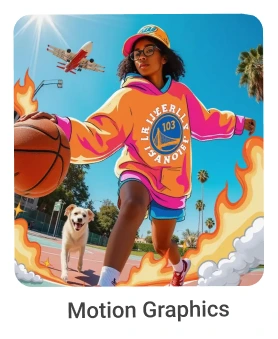
- Motion design principles
- Keyframing, easing & curves
- Kinetic typography
- Motion tracking & compositing
- Character animation & rigging
- 3D camera & cinematic motion
Module 12AI-Powered Design & Workflow
- AI image generation (Midjourney, Firefly)
- AI prompting (ChatGPT, Gemini)
- AI image editing & enhancement
- AI video creation (VEED, Runway)
Module 13Figma, UI Design & Prototyping
- Interface design & UI foundations
- Wireframing & information architecture
- Auto layout, components & variants
- Responsive design & grids
- Design systems & libraries
- Interactive prototyping
- Mobile, web & dashboard design
- Client handoff workflows
Module 14Freelancing, Clients & Opportunities
- Client acquisition strategies
- Proposal writing & presentations
- Pricing & project scope
- Portfolio positioning & branding
- Freelancing & income diversification
- Client & stakeholder communication
- Creative entrepreneurship fundamentals
The project you'll be diving into!
You’ll build real-world projects like these and more throughout the course.
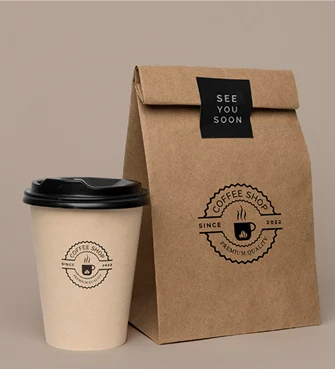
Branding
Learn how to create a strong, positive perception of a company.
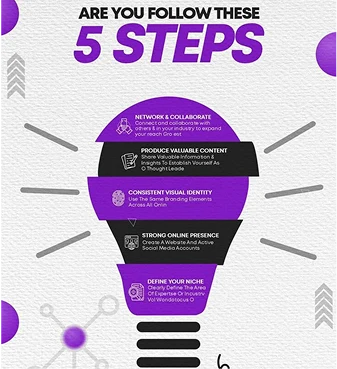
Infographics
Infographics learn to cerate visual representation of information or data with creative elements and shapes
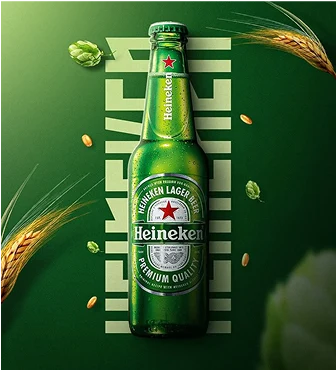
Product Ad AI
Product AI learn to shoot pictures with a product & create an advertisement using designing & AI tools
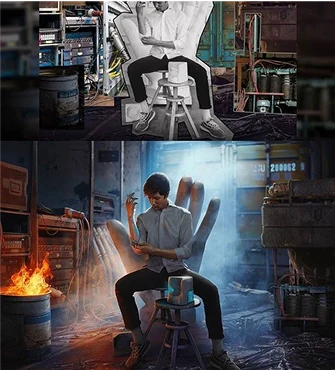
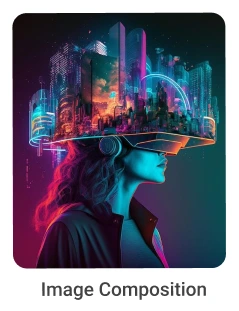
Image Compositing
Learn to combine visual elements from separate sources into single images.
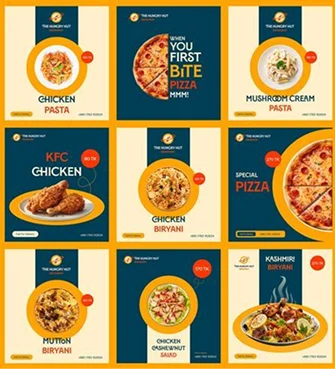
Social Media Poster
Social media post. use your creativity to make the most engaging and visually appealing posts.
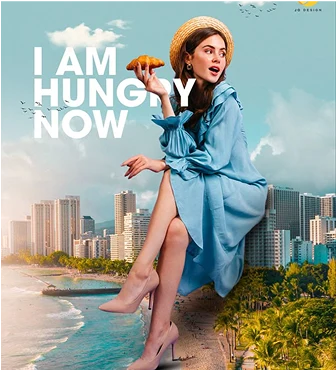
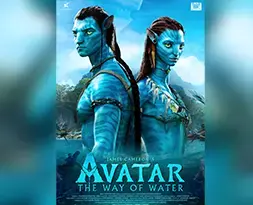
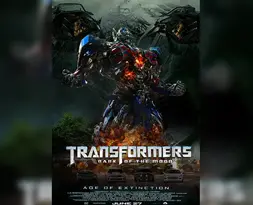
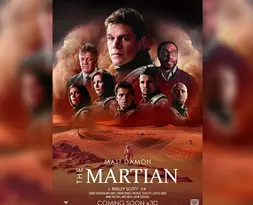
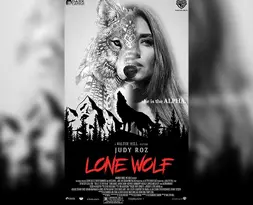
Ad/Movie Poster
Learn how to create stunning movie posters for popular movies using your creativity style.
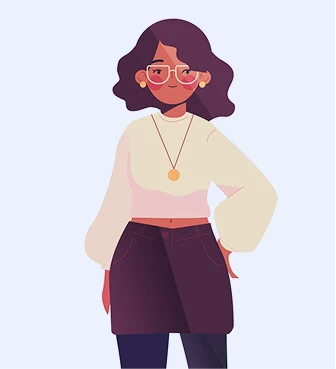
Flat Character
Flat character creating customized flat character and illustration attracts industries.
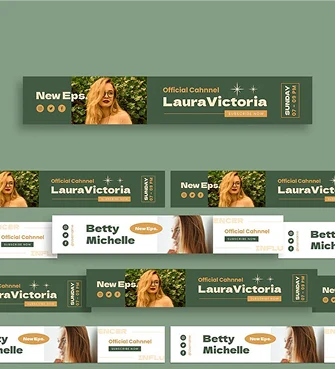
Google Display Ads
learn to cerate short videos loop for advertisement in cyberspace
AI should amplify your creativity,
not replace your thinking.
Most designers either ignore AI or use it as a crutch. We teach professional AI integration.
The AI-Augmented Workflow
How designers responsibly use AI:
Research
Generate initial mood board concepts and visual direction ideas.
Ideation
Explore visual styles and composition options rapidly.
Assets
Generate specific design elements and high-quality textures.
Refinement
Use traditional tools for professional finishing and precision.
Placement Record
Showcasing the top companies where our students have been successfully placed.



Investment & Inclusions
Choose the path that fits your career goals.
0% EMI Available
What's Included:
- 60 live interactive sessions
- 3 core design simulations + portfolio projects
- Framework training (BRIDGE, BrandLens360, PPR)
- Core design tools training
- AI tool integration
- Vinci Studio Remote Certification
- 1-year Mentor365 support
- Job Zone placement support
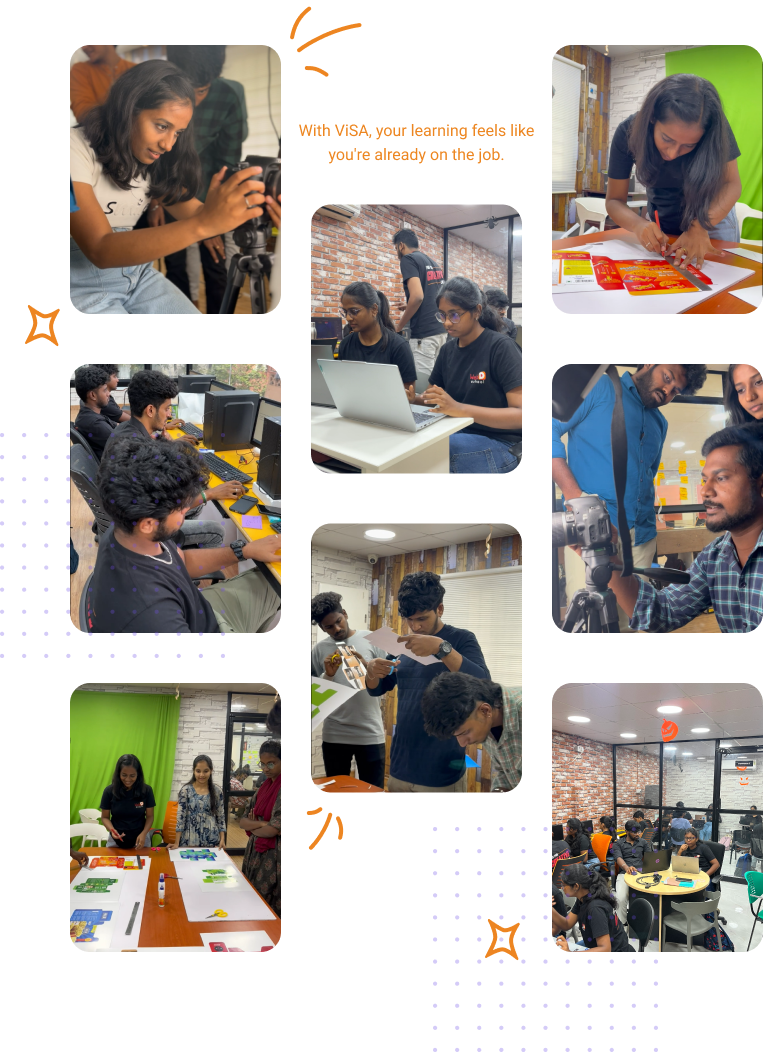
Studio-Style Learning with Vinci Studio.
At Web D School, you don't just learn design — you execute design.
What This Means:
Regular software-based tasks (tool mastery)
Design simulations for real-world exposure
Final portfolio showcasing your creative range
All under Vinci Studio's framework-based learning model.
Every simulation reflects real graphic design challenges
Live feedback, peer critiques, expert mentorship at every stage.
Professional review cycles from concept to final delivery
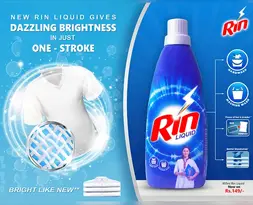
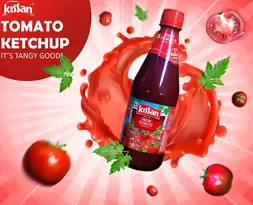
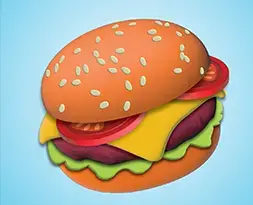
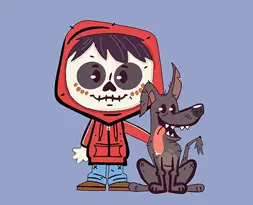
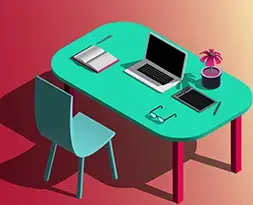
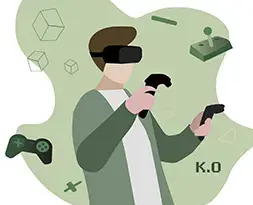
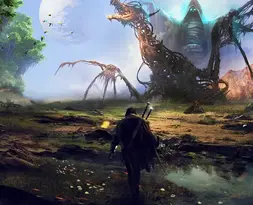
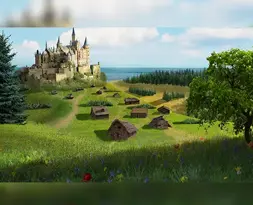
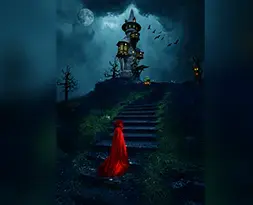
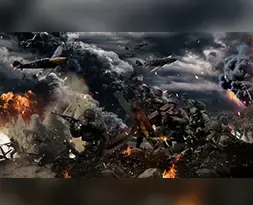
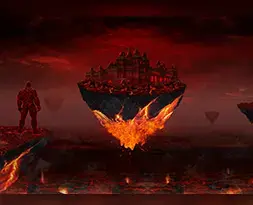
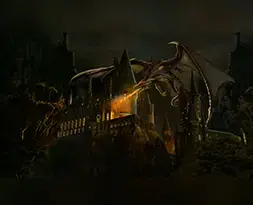
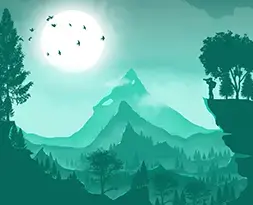
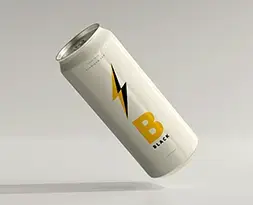
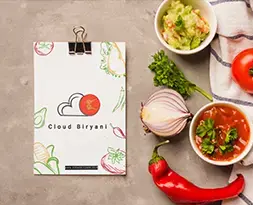
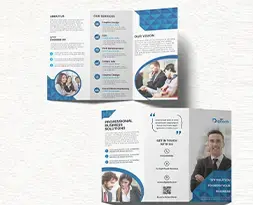
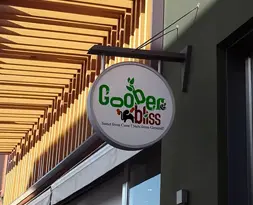
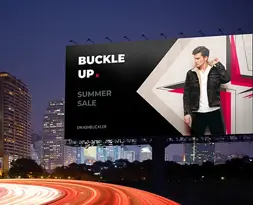
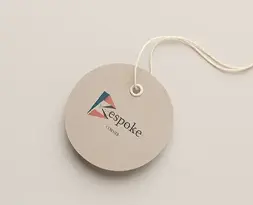
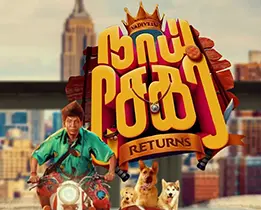
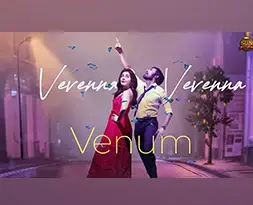
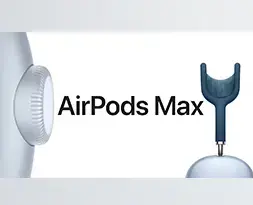
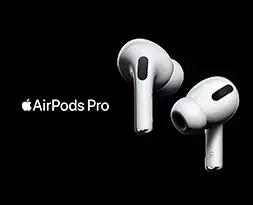
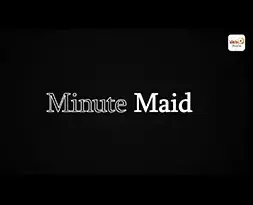
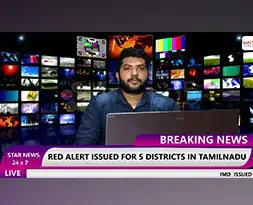
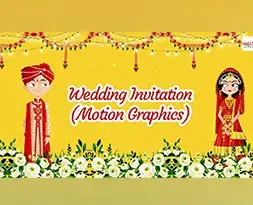
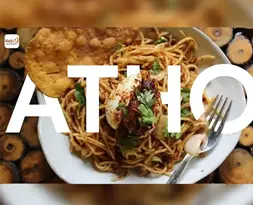
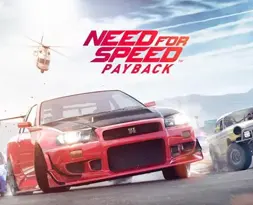
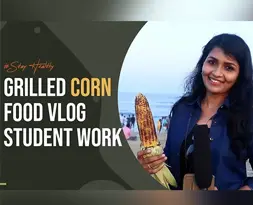
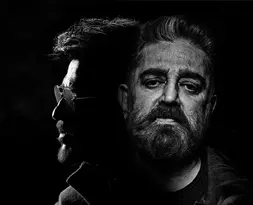
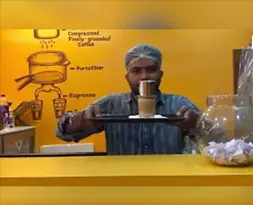
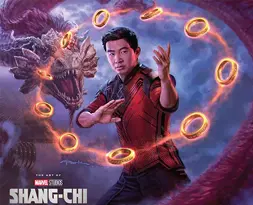
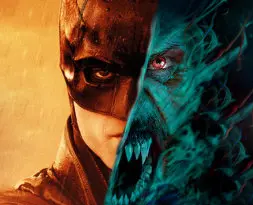
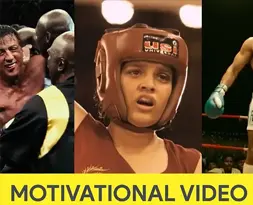
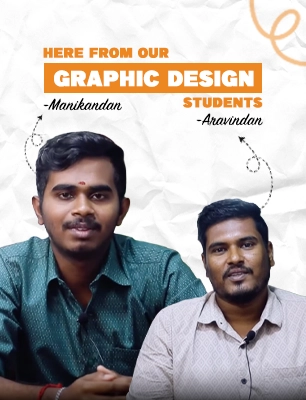
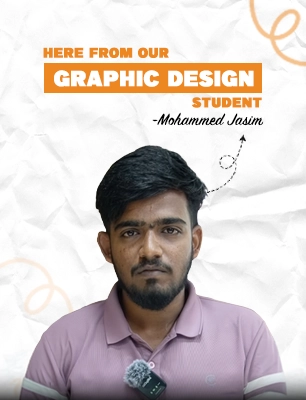
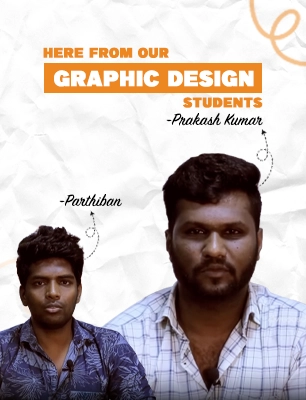
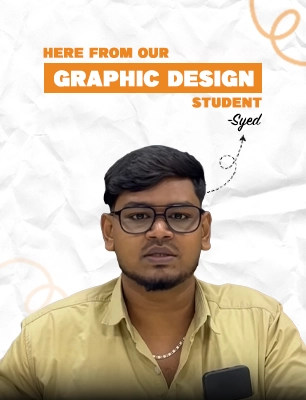
Designing works of our Graphic Designing Students
Explore real-world design projects crafted by our Graphic Designing students, showcasing creativity and practical skills.









Remote Career Readiness & Certification
Online learners receive the Vinci Studio Remote Certification.
This certification confirms that you have been trained in professional frameworks – BRIDGE, BrandLens360, and PPR and can operate within a structured, professional design workflow.

Roles This Prepares You For
Build a foundation for immediate employment and long-term creative growth.
The Complete Web D School Ecosystem

What Our Students Say
Hear from our students about their online and offline learning journey filled with support and growth.

Deepan TPK
Graphic Design
★★★★★
I joined Web D School with zero knowledge of graphic design, but by the end of the course I gained strong, practical skills in design software and a thorough understanding of the complete creative process.

Adeep Darren
Graphic Design
★★★★★
I joined Web D School for the Graphic Design course. The learning environment here is supportive and encouraging, and the trainers ensure we build a strong foundation starting from the basics.

Vignesh S
Graphic Design
★★★★★
I enrolled in Web D School’s Graphic Design course, and the supportive environment makes learning enjoyable. The training starts from the basics, which really helped me build confidence.
Deepan TPK
Graphic Design
★★★★★
I joined Web D School with zero knowledge of graphic design, but by the end of the course I gained strong, practical skills in design software and a thorough understanding of the complete creative process.
Frequently asked questions
Clear answers to your most important questions about courses and careers. Your go-to guide before joining Web D School.
Graphic design is visual communication that combines images, words, and ideas to convey information and create specific effects for audiences.
Graphic design skills are in demand across industries — marketing, advertising, publishing, e-commerce, startups. It's a versatile creative career with remote work opportunities.
No degree required. We start from fundamentals. Creativity and willingness to learn matter more than formal education.
Yes. Our live interactive format with real-time feedback mirrors professional remote work environments. Many students find online learning effective with focused attention and recorded session access.
3-month: Focus on static design (print, digital, social media).
5-month: Add motion graphics and video skills for broader opportunities.
Vinci Studio is MaxEdge's studio-style training environment. For online students, you learn the same professional frameworks (BRIDGE, BrandLens360, PPR) used in the studio, adapted for remote learning through live sessions. This is training certification, not employment.
Yes. Online students receive the same framework training, Job Zone access, Mentor365 support, and placement assistance. The delivery mode is remote, but the quality is identical.
Yes. Remote work is standard in the design industry. What matters is your portfolio quality and strategic thinking ability, not where you learned.
Yes, an online demo class is available so you can understand the teaching method and course structure before enrolling
Ready to Build Your Remote Design Career?
This program begins with clarity, not blind enrollment.
Our counselors will help you understand:
If framework-led remote training matches your goals
Which course duration (3 or 5 months) suits you
How the strategic frameworks work in practice
What kind of portfolio you'll build
No pressure. No spam. Just honest guidance.